Mailbox
Section: Marketing & Communication
URL:/admin/mailbox
Page title: (2) E-mail
Overview
Unified mailbox — connect your email account and view conversations against contacts in the CRM.
Business value
Connect your email account to view conversations against the CRM contact — so every team member sees the full email history with a customer, not just their own.
- Who uses it: Sales, customer success, support, account management
- Key benefit: Full conversation context drives better customer interactions and faster handovers.
Typical use cases:
- New rep inherits an account and sees the full email thread history
- CS sees what sales promised before responding to a complaint
At a glance
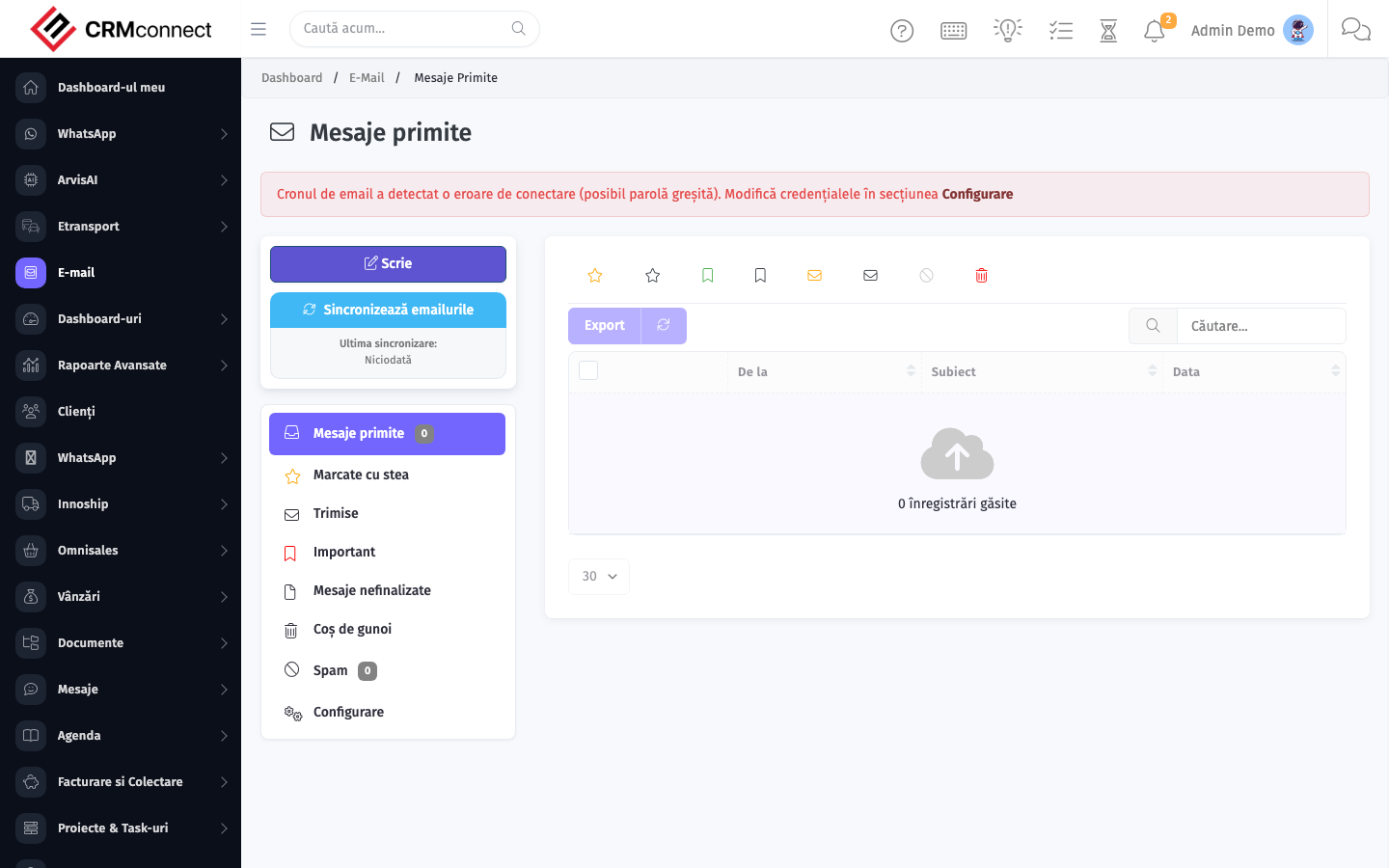
Accessing this module
From the admin sidebar, navigate to Mailbox, or open the URL directly:
/admin/mailbox
List view
The list view shows existing mailbox records. Use it to search, filter, sort, and bulk-act on items.

Common actions
- View existing records — open Mailbox from the sidebar to see the list view.
- Search and filter — use the search box and column filters to find records.
- Create a new record — click the Add / New button (or follow the "Create" URL above) and fill in the required fields.
- Edit a record — click a row to open the detail view, then use the edit action.
- Delete a record — use the row's delete action; deletion may be soft or hard depending on the module.
- Bulk operations — select multiple rows via the checkboxes and apply a bulk action from the toolbar (export, delete, status change, etc., where supported).
Connect every team member's email to the mailbox so the full conversation history with each client is visible to the whole team — new reps inherit account context on day one and support teams see what was promised before responding to a complaint.
Emails are attributed to CRM contacts by email address matching — ensure contact records have correct email addresses so conversations are linked to the right record automatically rather than ending up unattributed.
Captured: 2026-05-10T09:51:26.776Z · Source: demo.crmconnect.io/admin/mailbox