General Settings
Section: Settings & Administration
URL:/admin/settings
Page title: (2) Opțiuni
Overview
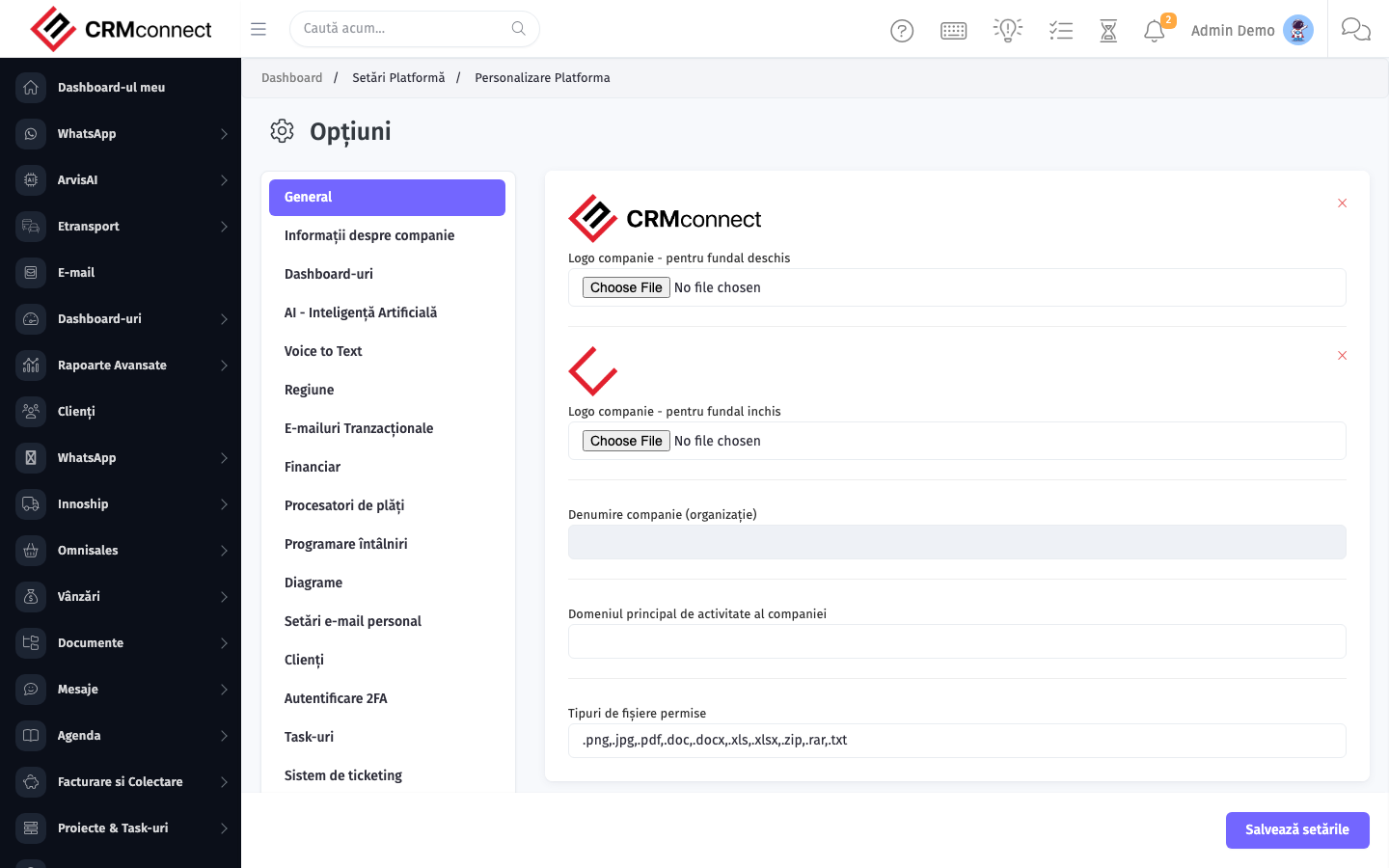
General platform settings — company info, branding, locale, numbering, defaults.
Business value
General platform settings — company info on documents, branding (logo, colours), locale, document numbering, defaults. The "make this CRM feel like ours" panel.
- Who uses it: IT admin, executives
- Key benefit: A platform that looks and behaves like your brand — not generic SaaS.
Typical use cases:
- Set company info shown on invoices and emails
- Configure document numbering schemes
- Set locale and default currency
At a glance
Accessing this module
From the admin sidebar, navigate to General Settings, or open the URL directly:
/admin/settings
List view
The list view shows existing general settings records. Use it to search, filter, sort, and bulk-act on items.

Common actions
- View existing records — open General Settings from the sidebar to see the list view.
- Search and filter — use the search box and column filters to find records.
- Create a new record — click the Add / New button (or follow the "Create" URL above) and fill in the required fields.
- Edit a record — click a row to open the detail view, then use the edit action.
- Delete a record — use the row's delete action; deletion may be soft or hard depending on the module.
- Bulk operations — select multiple rows via the checkboxes and apply a bulk action from the toolbar (export, delete, status change, etc., where supported).
Changing the document numbering series after documents have already been issued creates gaps or duplicate numbers in the sequence. Only change numbering at the start of a new fiscal year, or before the very first document is issued on a new installation.
Upload your company logo here (Settings → General → Logo) — it appears on all PDF exports: invoices, estimates, delivery notes, contracts, and purchase orders. A branded header is visible to every client who receives a document.
Captured: 2026-05-10T09:51:26.776Z · Source: demo.crmconnect.io/admin/settings