Contracts
Section: Customer Relationship Management
URL:/admin/contracts
Page title: (2) Documente Clienți
Overview
Contracts store the legal agreements with clients and vendors, including type, value, validity period, and renewal terms.
Business value
Stores the legal commitments (with clients and vendors): scope, value, validity period, renewal terms, signed PDFs. Surfaces upcoming renewals and expirations so revenue isn't lost to forgotten dates.
- Who uses it: Sales, account management, legal, finance, procurement
- Key benefit: Prevents revenue leakage from missed renewals and reduces legal risk from expired terms.
- Metrics it influences: Renewal rate, contract value at risk, days-from-expiration
Typical use cases:
- Get a 60-day-out renewal alert and start the upsell conversation in time
- Audit which clients are out of contract
- Pull every active contract with a specific clause for legal review
At a glance
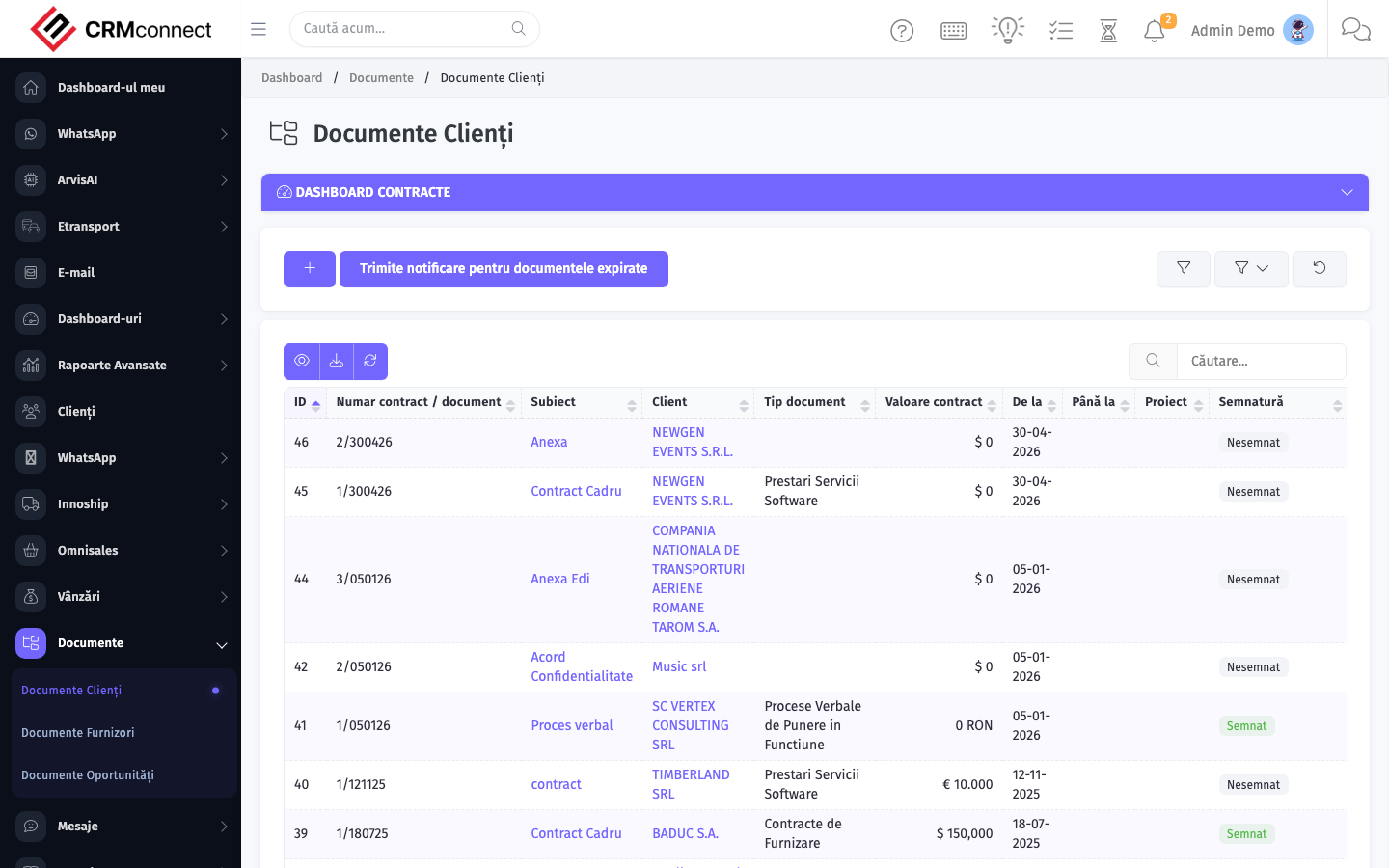
Accessing this module
From the admin sidebar, navigate to Contracts, or open the URL directly:
/admin/contracts
List view
The list view shows existing contracts records. Use it to search, filter, sort, and bulk-act on items.

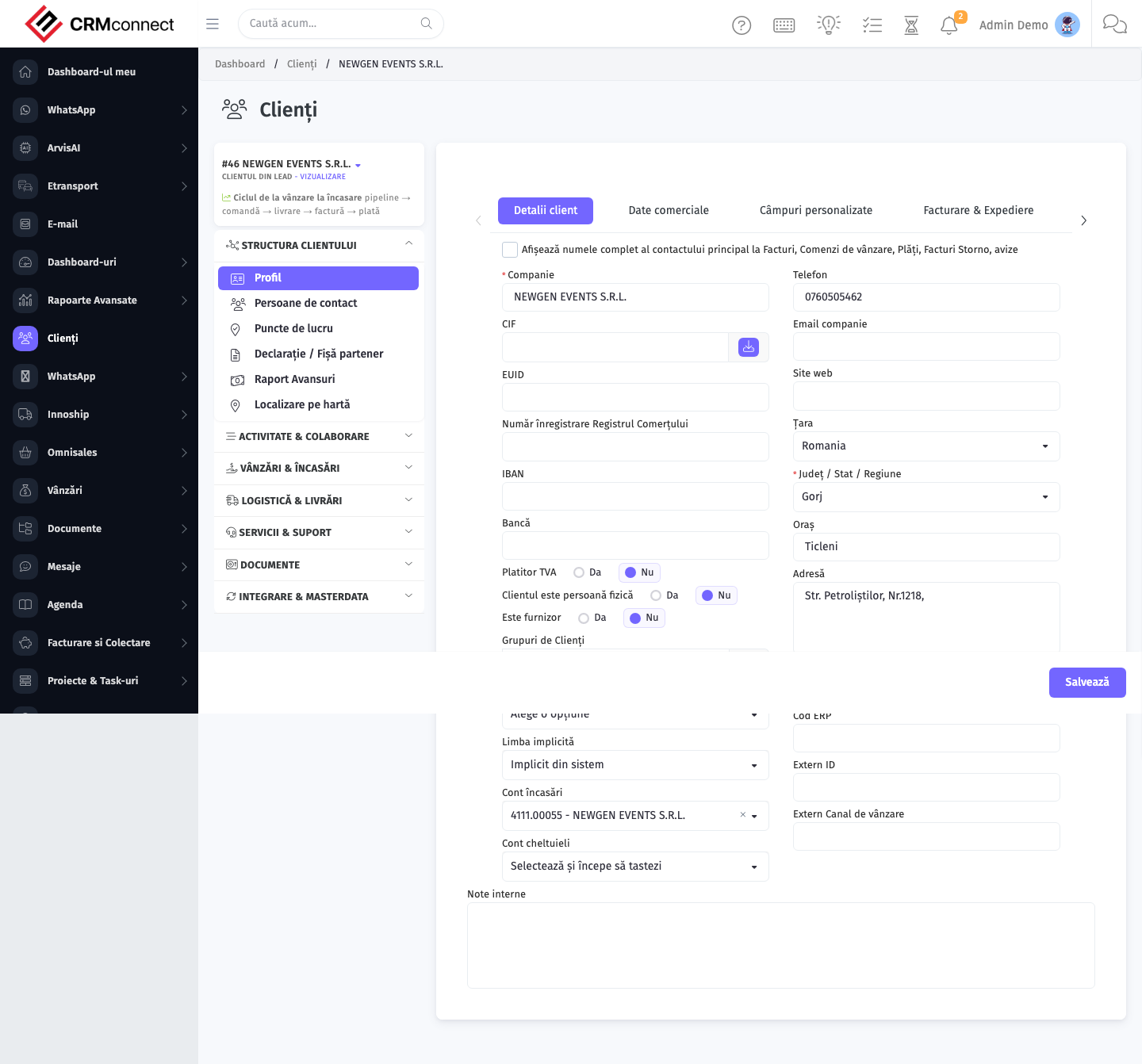
Create / edit form
Open the create form to add a new contracts record. Editing an existing record uses the same form pre-populated with current values.
Common actions
- View existing records — open Contracts from the sidebar to see the list view.
- Search and filter — use the search box and column filters to find records.
- Create a new record — click the Add / New button (or follow the "Create" URL above) and fill in the required fields.
- Edit a record — click a row to open the detail view, then use the edit action.
- Delete a record — use the row's delete action; deletion may be soft or hard depending on the module.
- Bulk operations — select multiple rows via the checkboxes and apply a bulk action from the toolbar (export, delete, status change, etc., where supported).
Filter the contracts list by days-to-expiration before month-end to identify renewals due in the next 30–60 days. Starting the renewal conversation early avoids the revenue gap of an expired contract with an active client.
Contracts stored here are CRM/legal records — they do not automatically generate renewal invoices. For recurring billing, set up a Recurring Invoice in Sales & Billing → Recurring Invoices and link it to the contract manually.
Contracts Opportunity
URL:
/admin/contracts_opportunity
Contracts Opportunity links a contract directly to a CRM opportunity, capturing the commercial agreement that closes a deal. This gives account managers a single place to see which deal each contract originated from and lets pipeline reports reflect the contracted value of won opportunities.
Key actions:
- Access the list — navigate to
/admin/contracts_opportunityto see all contracts that have an associated opportunity. - Link during contract creation — when creating or editing a contract, select the related opportunity from the CRM dropdown; the record then appears in this view.
- Navigate to the opportunity — from the contract detail, use the opportunity link to jump to the pipeline card.
- Filter by opportunity stage — use column filters to isolate contracts from opportunities at a specific stage (e.g. "Won", "Negotiation").
Contracts Vendor
URL:
/admin/contracts_vendor
Contracts Vendor manages agreements with suppliers — framework agreements, service-level agreements, NDAs, and supply contracts — separately from client-facing contracts. Storing vendor contracts here keeps procurement commitments auditable and surfaces expiry alerts before supply is disrupted.
Key actions:
- Access the list — navigate to
/admin/contracts_vendorto see all vendor agreements in one place. - Create a vendor contract — click Add, select the vendor from the purchase vendor list, fill in scope, value, validity dates, and attach the signed PDF.
- Monitor expiry — the list displays days-to-expiration; filter on records expiring within 30 or 60 days to trigger renewal conversations.
- Edit or renew — open the contract record, update the end date and terms, and re-attach the signed document.
- Delete — removes the record; ensure the signed PDF is archived externally first if your retention policy requires it.
Note: Vendor contracts are distinct from purchase-module purchase contracts (
/admin/purchase/contracts). Use this view for master/framework agreements; use purchase contracts for transactional purchase-order-level agreements.
API
This module is available via the REST API.
Authentication. All API requests require the header authtoken: <token> (generate one at /admin/api/api_management).
Base URL. https://your-domain.tld/api/
Key endpoints:
| Method | Path | Purpose |
|---|---|---|
GET |
{{base_url}}contracts?nr_page=1&per_page=10 |
List all Contracts |
GET |
{{base_url}}contracts/:id |
Get One |
POST |
{{base_url}}contracts/ |
Add new Contract |
DELETE |
{{base_url}}delete/contracts/35 |
Delete Contract |
See the full payload schemas, query parameters, and example responses in the API reference (`Contracts`).
Captured: 2026-05-10T09:51:26.776Z · Source: demo.crmconnect.io/admin/contracts