Meeting Minutes
Section: Operations
URL:/admin/minutes
Page title: (2) Minute
Overview
Meeting minutes are structured notes from internal or client meetings — agenda, attendees, decisions, action items.
Business value
Structured meeting notes (agenda, attendees, decisions, action items). Action items can become tasks assigned to attendees, so meetings produce traceable outcomes.
- Who uses it: Project managers, team leads, executives
- Key benefit: Meetings produce work, not just talk — every decision and action is captured and assigned.
Typical use cases:
- Weekly leadership sync
- Client kickoff meeting
- Internal QBR
At a glance
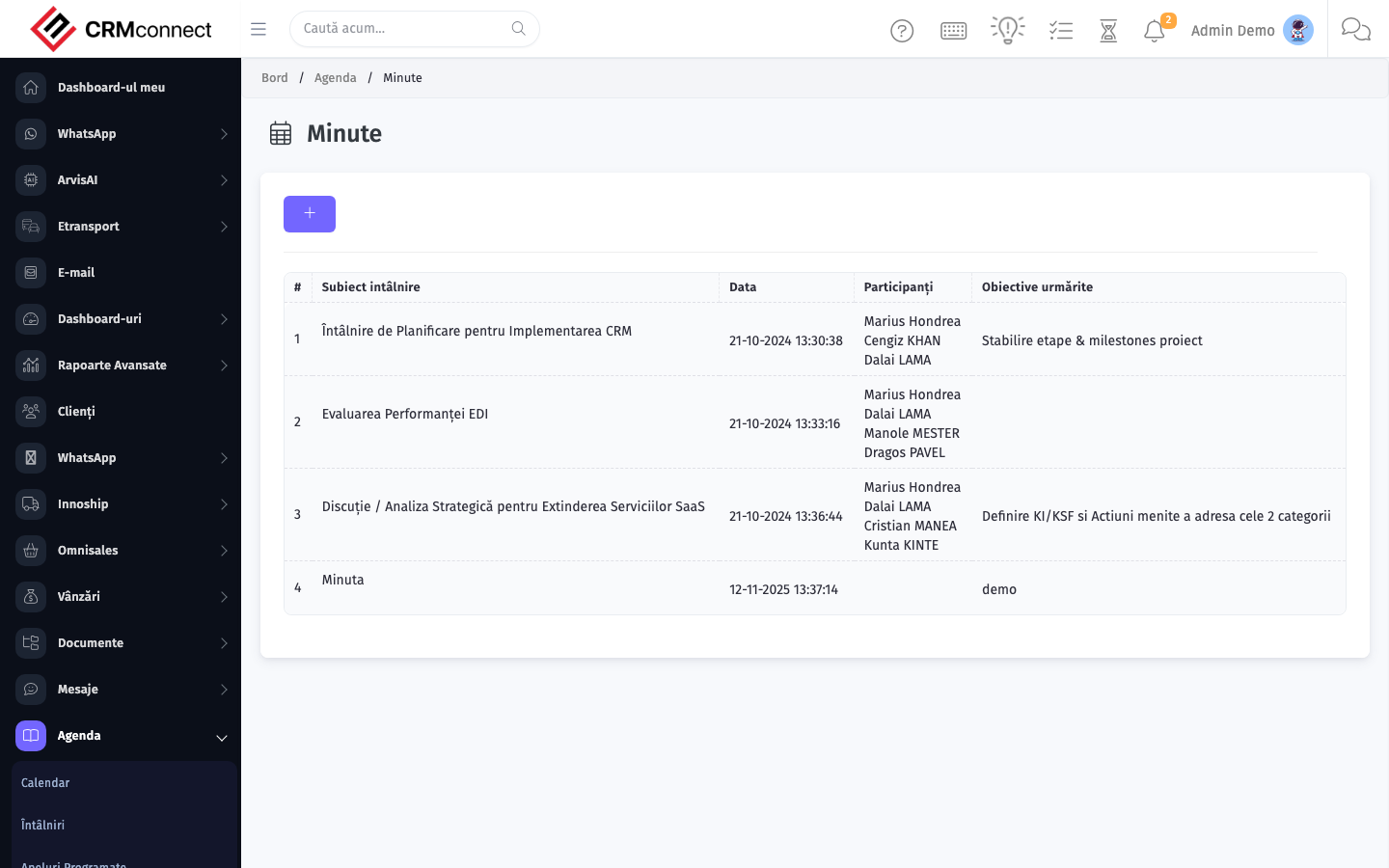
Accessing this module
From the admin sidebar, navigate to Meeting Minutes, or open the URL directly:
/admin/minutes
List view
The list view shows existing meeting minutes records. Use it to search, filter, sort, and bulk-act on items.
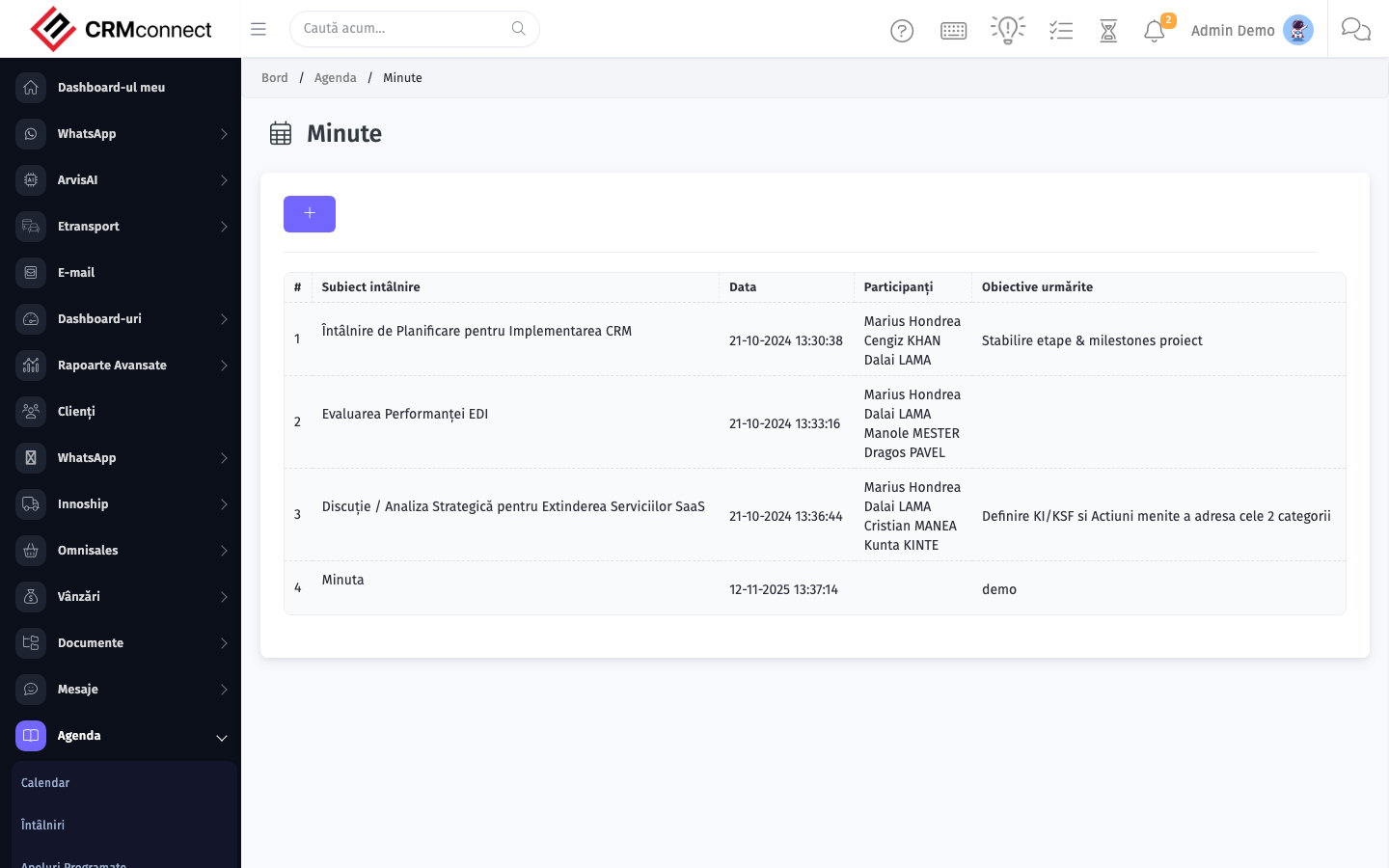
Common actions
- View existing records — open Meeting Minutes from the sidebar to see the list view.
- Search and filter — use the search box and column filters to find records.
- Create a new record — click the Add / New button (or follow the "Create" URL above) and fill in the required fields.
- Edit a record — click a row to open the detail view, then use the edit action.
- Delete a record — use the row's delete action; deletion may be soft or hard depending on the module.
- Bulk operations — select multiple rows via the checkboxes and apply a bulk action from the toolbar (export, delete, status change, etc., where supported).
Convert action items from meeting minutes directly into assigned tasks — this ensures every decision produces a trackable work item with an owner and deadline without copy-pasting into the task module.
Meeting minutes are linked to projects and clients. Opening the linked project or client record shows all minutes from that engagement in one place, giving a full conversation history without searching.
Captured: 2026-05-10T09:51:26.776Z · Source: demo.crmconnect.io/admin/minutes