HR Payroll
Section: HR & Workforce
URL:/admin/hr_payroll
Overview
Payroll module — salary calculation, payslips, statutory contributions.
Business value
Payroll calculation, payslip generation, and statutory contribution tracking — built into the same platform that holds the timesheet, expense, and commission data that feeds gross pay.
- Who uses it: HR, payroll, finance, employees
- Key benefit: Cuts payroll close time and errors by eliminating data hand-offs between systems.
Typical use cases:
- Monthly payroll run integrates timesheets + commission + expenses
- Statutory reporting for labour authorities
- Payslip self-service portal
At a glance
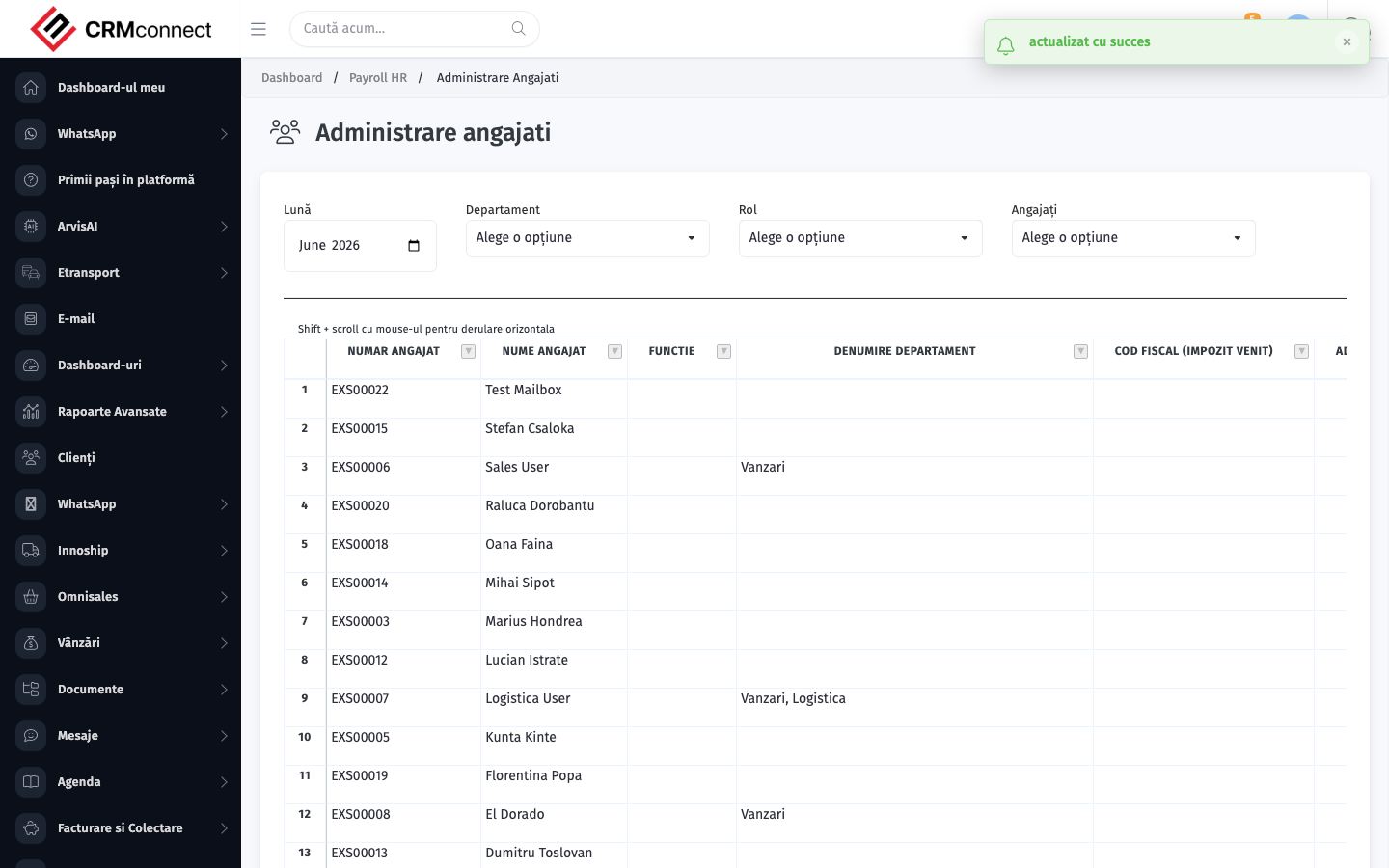
Accessing this module
From the admin sidebar, navigate to HR Payroll, or open the URL directly:
/admin/hr_payroll
List view
The list view shows existing hr payroll records. Use it to search, filter, sort, and bulk-act on items.
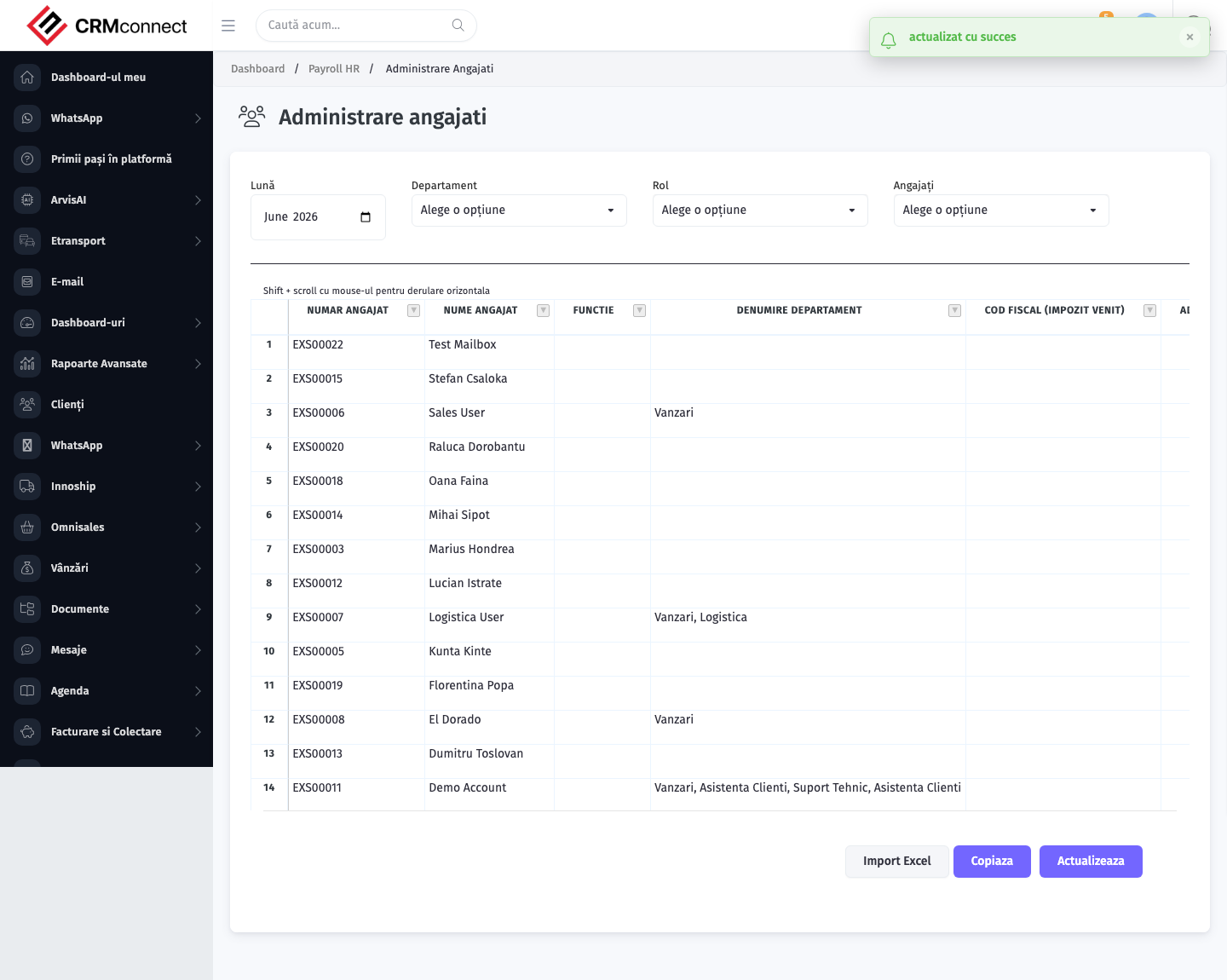
Common actions
- View existing records — open HR Payroll from the sidebar to see the list view.
- Search and filter — use the search box and column filters to find records.
- Create a new record — click the Add / New button (or follow the "Create" URL above) and fill in the required fields.
- Edit a record — click a row to open the detail view, then use the edit action.
- Delete a record — use the row's delete action; deletion may be soft or hard depending on the module.
- Bulk operations — select multiple rows via the checkboxes and apply a bulk action from the toolbar (export, delete, status change, etc., where supported).
Payroll pulls data from timesheets, commissions, and expenses. Running payroll before those inputs are approved and finalised for the period will produce incorrect payslips. Recommended sequence: approve timesheets → finalise commissions → close expenses → then run payroll.
Employees can view and download their own payslips through the self-service portal — no need to distribute them individually. This is available out of the box once a payroll run is completed.
Captured: 2026-05-10T09:51:26.776Z · Source: demo.crmconnect.io/admin/hr_payroll