Announcements
Section: Marketing & Communication
URL:/admin/announcements
Page title: (2) Anunțuri
Overview
Internal announcements — publish updates visible to all staff or specific teams.
Business value
Internal announcements — publish updates to all staff or specific teams. The bulletin board for company-wide news that matters.
- Who uses it: HR, executives, ops leads
- Key benefit: Information flows to the whole org without spam-filtered email-blasts.
Typical use cases:
- Office closure notice
- New product-line launch
- Policy update
At a glance

Accessing this module
From the admin sidebar, navigate to Announcements, or open the URL directly:
/admin/announcements
List view
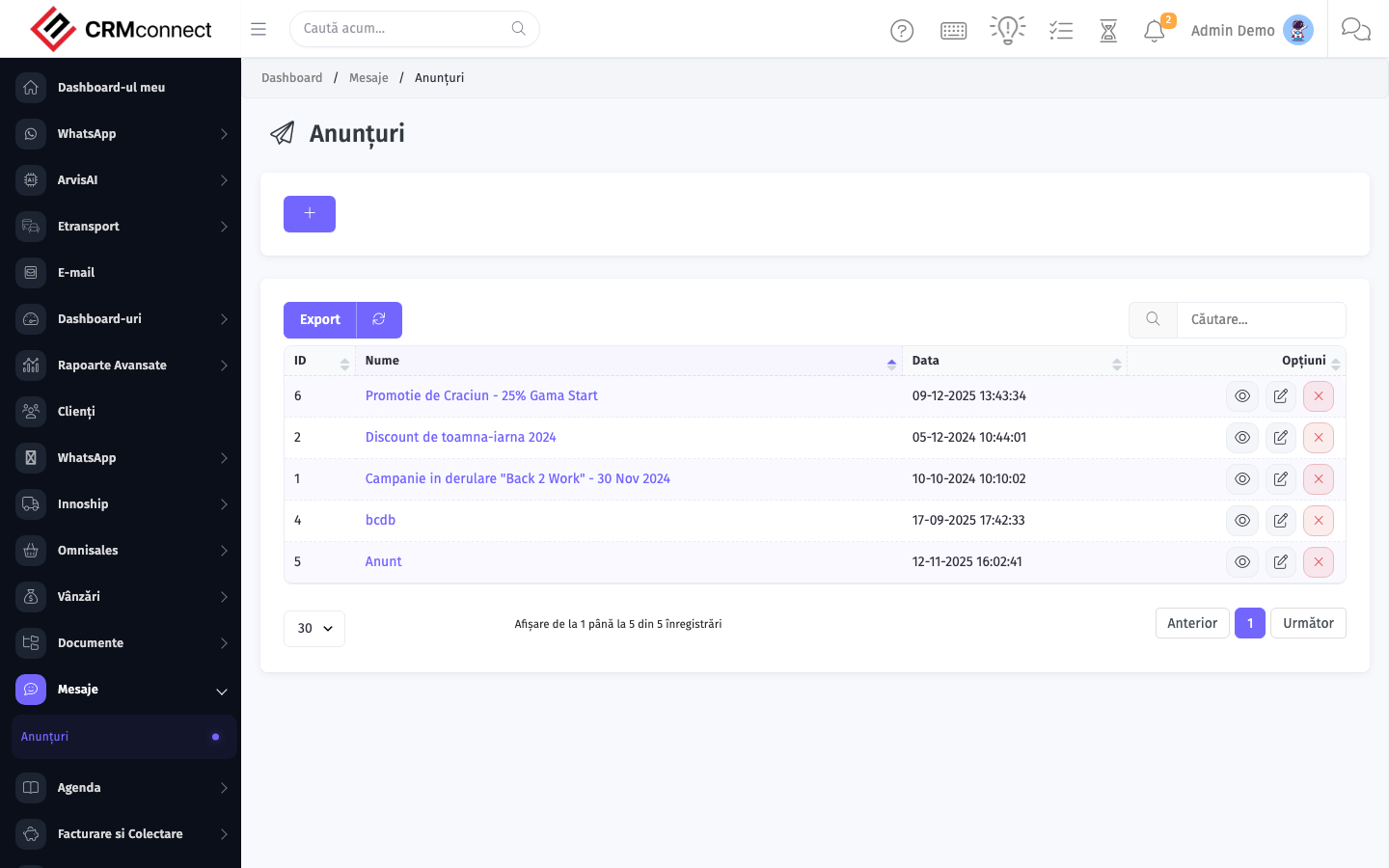
The list view shows existing announcements records. Use it to search, filter, sort, and bulk-act on items.
Common actions
- View existing records — open Announcements from the sidebar to see the list view.
- Search and filter — use the search box and column filters to find records.
- Create a new record — click the Add / New button (or follow the "Create" URL above) and fill in the required fields.
- Edit a record — click a row to open the detail view, then use the edit action.
- Delete a record — use the row's delete action; deletion may be soft or hard depending on the module.
- Bulk operations — select multiple rows via the checkboxes and apply a bulk action from the toolbar (export, delete, status change, etc., where supported).
Target announcements to specific teams using the audience filter — a warehouse policy update doesn't need to reach sales reps, and focused announcements are read while mass blasts are ignored.
Announcements appear on the dashboard for all staff in the targeted scope and remain visible until dismissed by each user — time-sensitive notices stay on screen until the recipient takes action, unlike emails that get buried.
API
This module is available via the REST API.
Authentication. All API requests require the header authtoken: <token> (generate one at /admin/api/api_management).
Base URL. https://your-domain.tld/api/
Key endpoints:
| Method | Path | Purpose |
|---|---|---|
GET |
{{base_url}}announcements?nr_page=&per_page= |
List All Announcements |
GET |
{{base_url}}announcements/1 |
Get One |
GET |
{{base_url}}announcements/search/test |
Search Announcements Information |
DELETE |
{{base_url}}delete/announcements/17 |
Delete Announcements |
See the full payload schemas, query parameters, and example responses in the API reference (`Announcements`).
Captured: 2026-05-10T09:51:26.776Z · Source: demo.crmconnect.io/admin/announcements