Sales KPI Categories
Section: Knowledge & Reports
URL:/admin/sales_kpi_categories
Page title: (2) Toate categoriile KPI
Overview
Configure the KPI categories used for sales performance reporting.
Business value
Configures the KPI categories used for sales performance reporting — bookings, revenue, activities, conversion ratios. The schema for sales-team measurement.
- Who uses it: Sales managers, RevOps
- Key benefit: A consistent scoreboard means clear performance conversations.
Typical use cases:
- Weekly KPI dashboard per rep
- Monthly sales-leaderboard refresh
At a glance
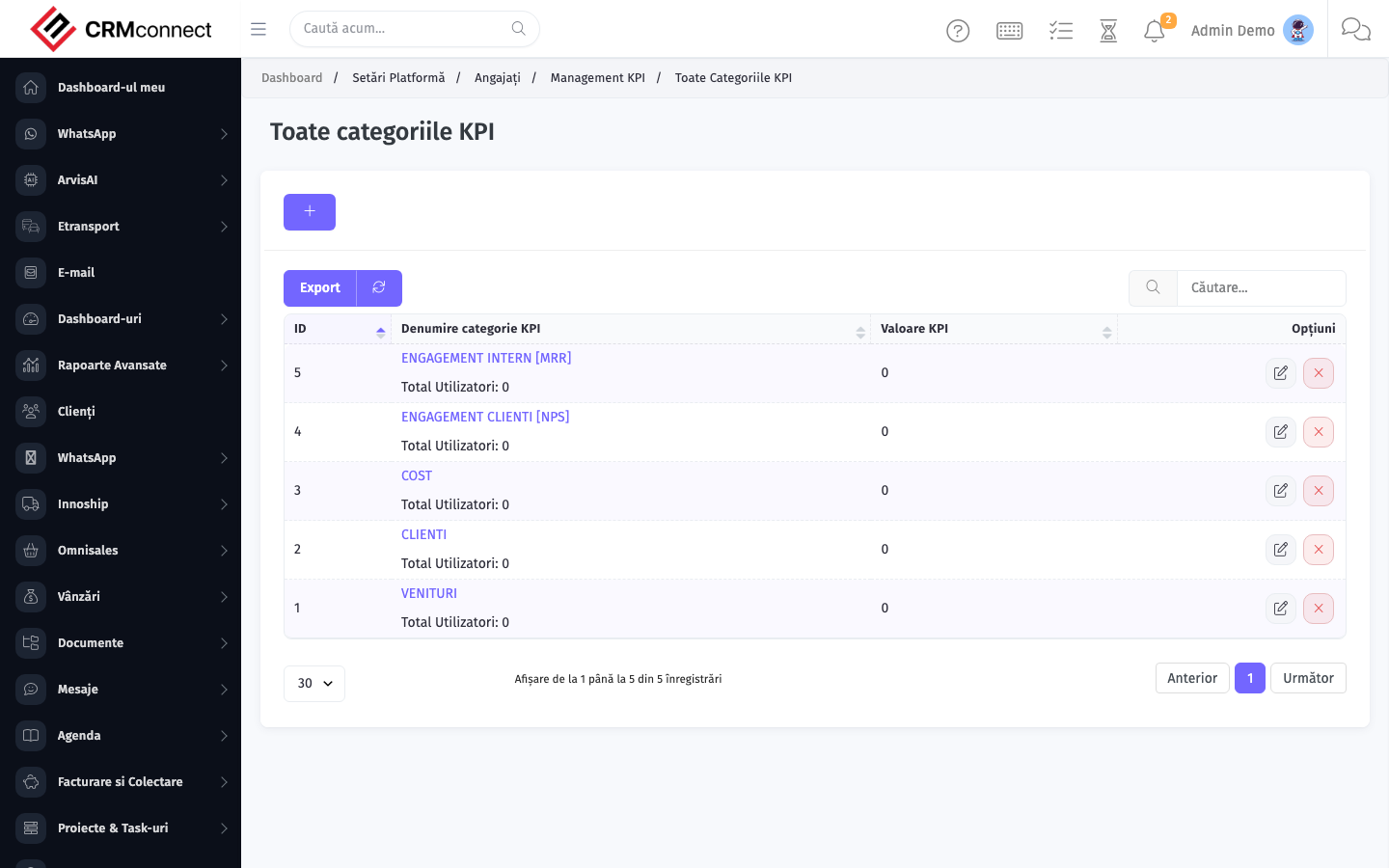
Accessing this module
From the admin sidebar, navigate to Sales KPI Categories, or open the URL directly:
/admin/sales_kpi_categories
List view
The list view shows existing sales kpi categories records. Use it to search, filter, sort, and bulk-act on items.
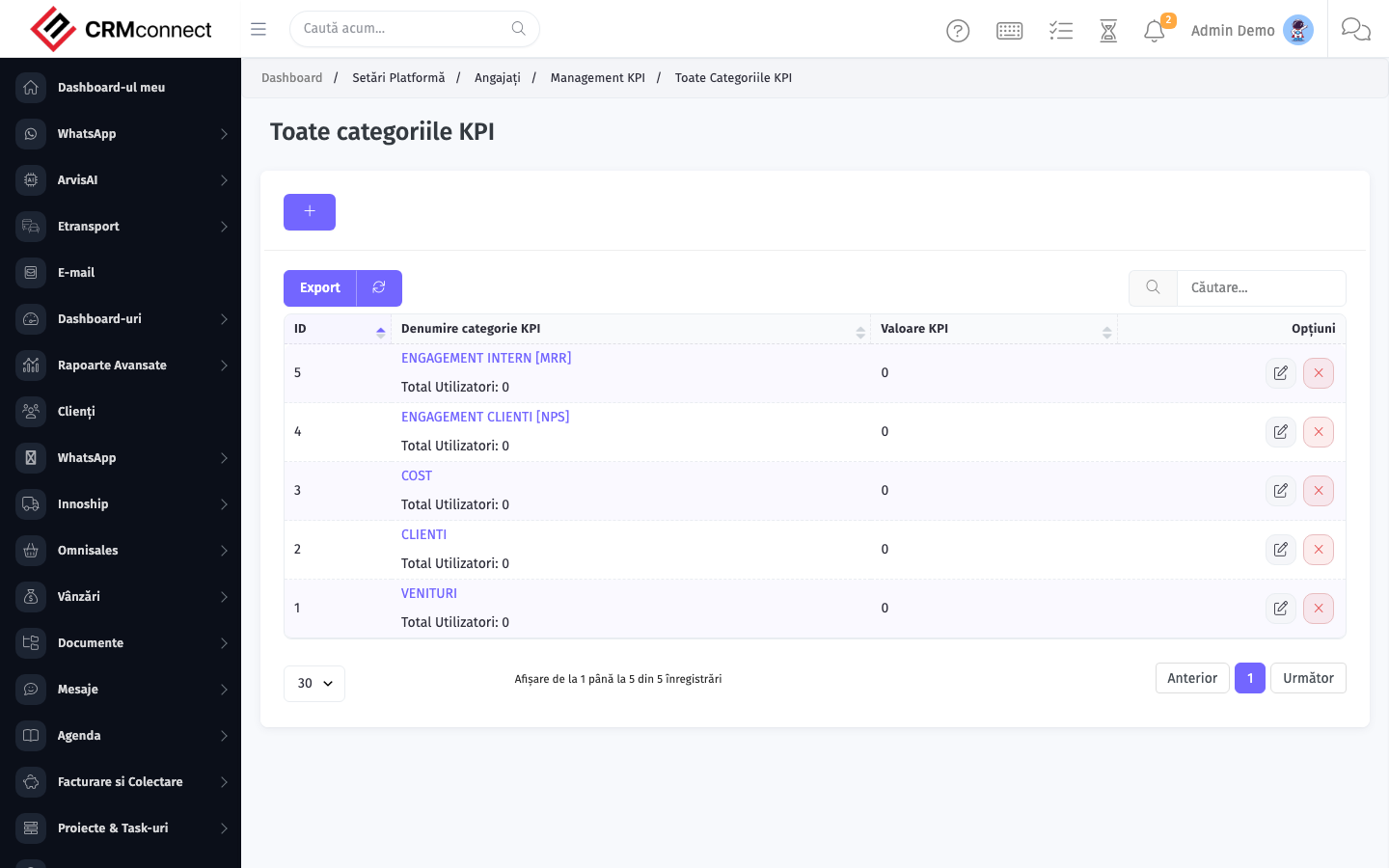
Common actions
- View existing records — open Sales KPI Categories from the sidebar to see the list view.
- Search and filter — use the search box and column filters to find records.
- Create a new record — click the Add / New button (or follow the "Create" URL above) and fill in the required fields.
- Edit a record — click a row to open the detail view, then use the edit action.
- Delete a record — use the row's delete action; deletion may be soft or hard depending on the module.
- Bulk operations — select multiple rows via the checkboxes and apply a bulk action from the toolbar (export, delete, status change, etc., where supported).
Define KPI categories before the quarter starts so reps know exactly which metrics they are measured on — a consistent scoreboard removes ambiguity and eliminates "I didn't know that counted" conversations at review time.
KPI categories are the measurement schema, not the targets themselves. Create categories here, then assign individual targets per rep or team in the Goals module where progress is tracked against live CRM data.
Captured: 2026-05-10T09:51:26.776Z · Source: demo.crmconnect.io/admin/sales_kpi_categories