Miscellaneous
Section: Settings & Administration
URL:/admin/misc
Overview
Miscellaneous administrative settings.
Business value
Miscellaneous administrative settings that don't fit other categories.
- Who uses it: IT admin
- Key benefit: Coverage of edge-case configuration without adding extra menus.
Typical use cases:
- One-off platform settings
- Feature toggles
At a glance

Accessing this module
From the admin sidebar, navigate to Miscellaneous, or open the URL directly:
/admin/misc
List view
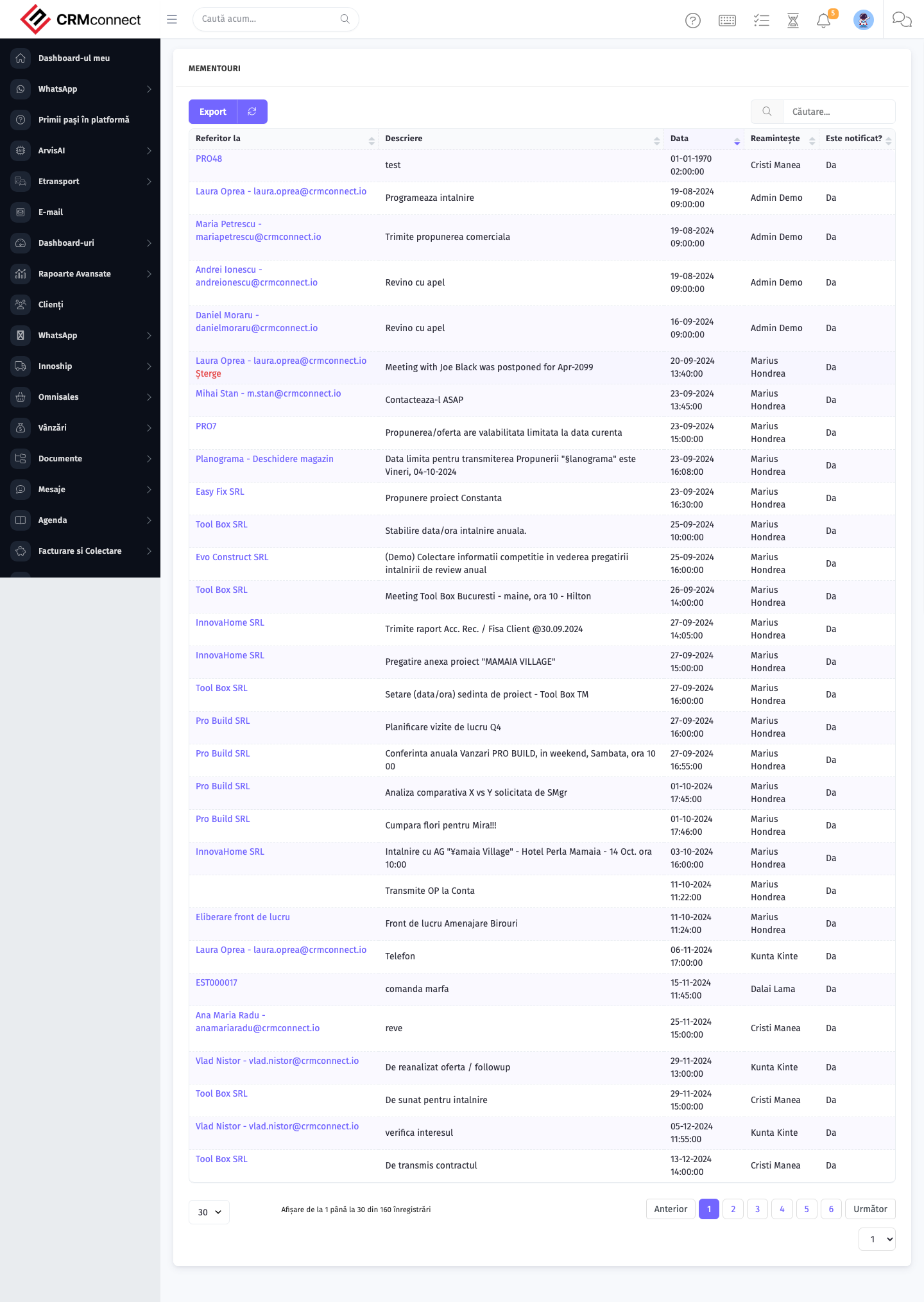
The list view shows existing miscellaneous records. Use it to search, filter, sort, and bulk-act on items.
Common actions
- View existing records — open Miscellaneous from the sidebar to see the list view.
- Search and filter — use the search box and column filters to find records.
- Create a new record — click the Add / New button (or follow the "Create" URL above) and fill in the required fields.
- Edit a record — click a row to open the detail view, then use the edit action.
- Delete a record — use the row's delete action; deletion may be soft or hard depending on the module.
- Bulk operations — select multiple rows via the checkboxes and apply a bulk action from the toolbar (export, delete, status change, etc., where supported).
Review Miscellaneous Settings when enabling a new module — some feature toggles and integration flags live here and must be activated before the feature becomes visible in the sidebar or available to users.
Settings in this section affect platform-wide behaviour and take effect immediately for all users without a restart. Make changes during low-traffic periods and notify the team when platform-wide toggles are changed.
Captured: 2026-05-10T09:51:26.776Z · Source: demo.crmconnect.io/admin/misc