Reports
Section: Knowledge & Reports
URL:/admin/reports
Page title: (2) Bord/Tablou de bord
Overview
Reports module — pre-built and custom reports across every business area.
Business value
Pre-built and custom reports across every business area — finance, sales, ops, support. The analytical layer that turns raw transactional data into decisions.
- Who uses it: Executives, managers, analysts, every department head
- Key benefit: Replaces 20 weekly Excel reports with a real-time, single-source view.
Typical use cases:
- Weekly sales pipeline report auto-emailed to leadership
- Margin-by-product analysis for pricing decisions
- Custom report for board pack
At a glance
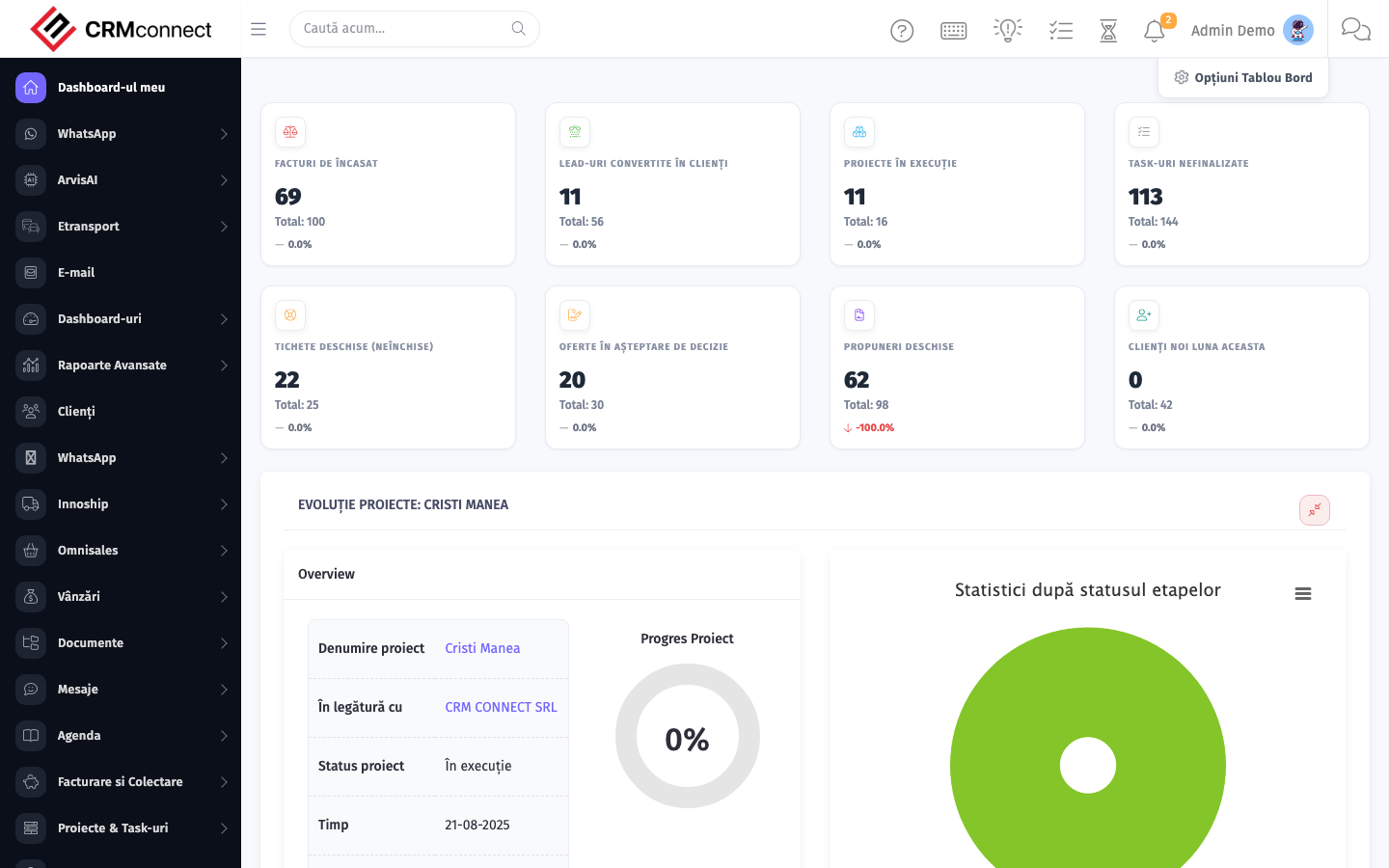
Accessing this module
From the admin sidebar, navigate to Reports, or open the URL directly:
/admin/reports
List view
The list view shows existing reports records. Use it to search, filter, sort, and bulk-act on items.

Common actions
- View existing records — open Reports from the sidebar to see the list view.
- Search and filter — use the search box and column filters to find records.
- Create a new record — click the Add / New button (or follow the "Create" URL above) and fill in the required fields.
- Edit a record — click a row to open the detail view, then use the edit action.
- Delete a record — use the row's delete action; deletion may be soft or hard depending on the module.
- Bulk operations — select multiple rows via the checkboxes and apply a bulk action from the toolbar (export, delete, status change, etc., where supported).
Schedule key reports to auto-email to leadership on a weekly or monthly cadence — configure report scheduling in the report detail view so decision-makers receive fresh data without needing to log in each time.
Reports pull live data at run time — the same report run on two different days shows different numbers. Export to PDF or CSV after a period closes to preserve a snapshot for audit purposes or board presentations.
Captured: 2026-05-10T09:51:26.776Z · Source: demo.crmconnect.io/admin/reports