Client Discount Groups
Section: Customer Relationship Management
URL:/admin/clients/discount_groups
Page title: (2) Grupe de discount
Overview
Discount groups bundle pricing rules that automatically apply to clients assigned to that group.
Business value
Codifies your negotiated pricing into reusable discount tiers, so a 20%-off contract with a partner is applied automatically on every quote, sales order, and invoice — instead of relied on staff memory.
- Who uses it: Sales, finance, sales operations
- Key benefit: Eliminates pricing leakage and quote errors; protects margin on every transaction.
Typical use cases:
- Auto-apply a contractual 15% discount to all orders from a strategic account
- Run promotional pricing for a defined period without manual calculations
- Enforce minimum-margin rules across the sales team
At a glance
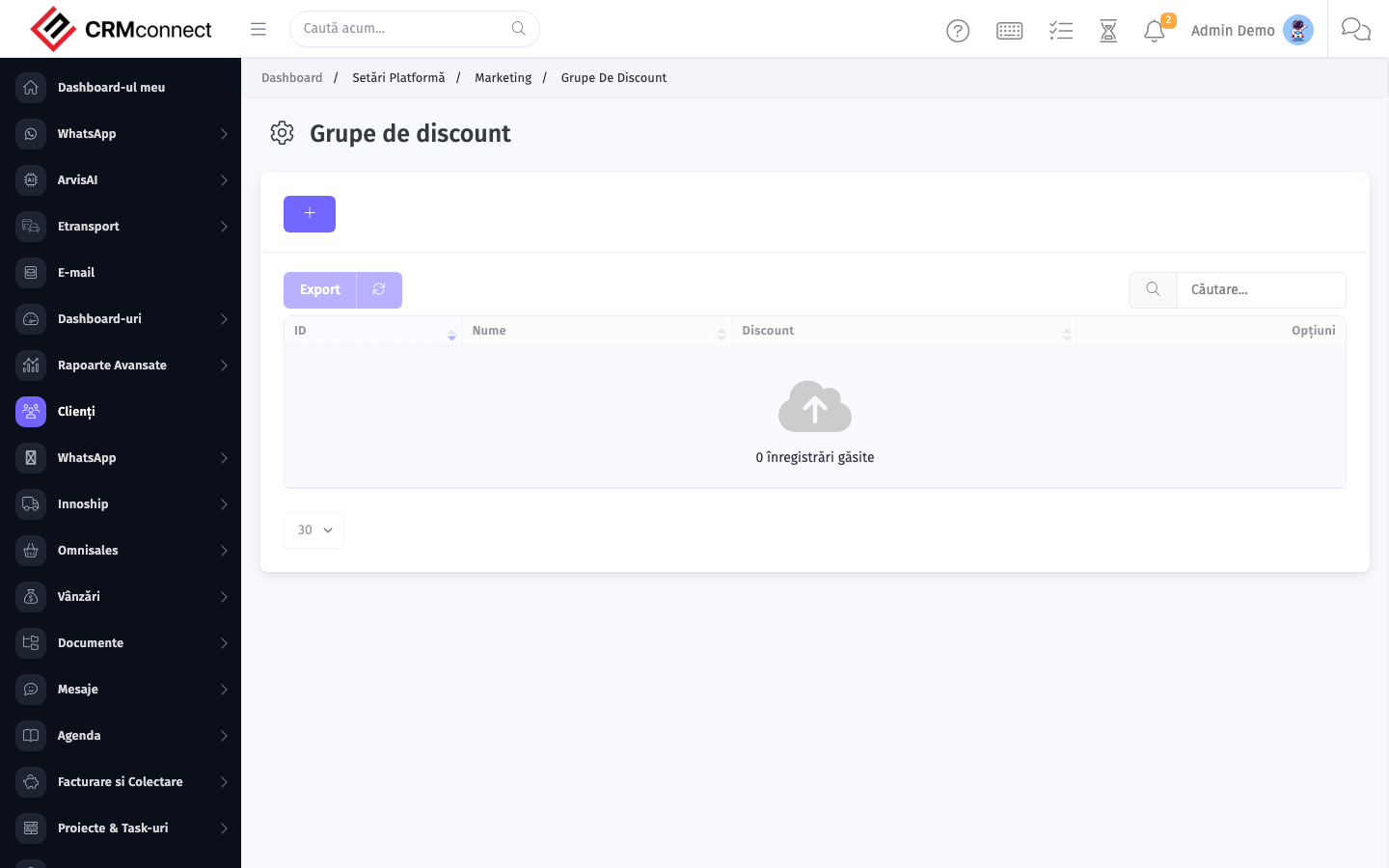
Accessing this module
From the admin sidebar, navigate to Client Discount Groups, or open the URL directly:
/admin/clients/discount_groups
List view
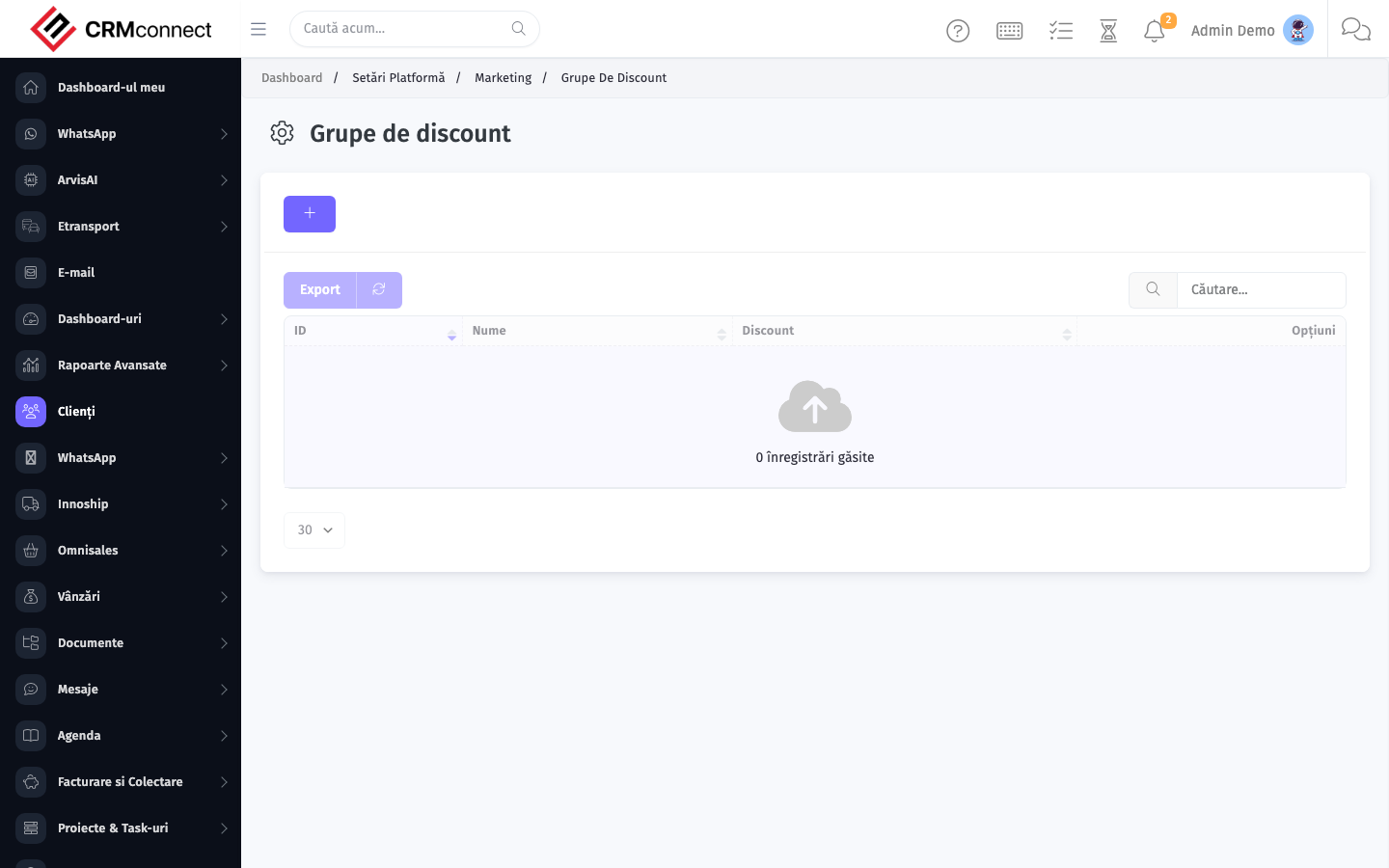
The list view shows existing client discount groups records. Use it to search, filter, sort, and bulk-act on items.
Common actions
- View existing records — open Client Discount Groups from the sidebar to see the list view.
- Search and filter — use the search box and column filters to find records.
- Create a new record — click the Add / New button (or follow the "Create" URL above) and fill in the required fields.
- Edit a record — click a row to open the detail view, then use the edit action.
- Delete a record — use the row's delete action; deletion may be soft or hard depending on the module.
- Bulk operations — select multiple rows via the checkboxes and apply a bulk action from the toolbar (export, delete, status change, etc., where supported).
Assign a client to a discount group on their client record — the platform then applies the group's pricing rules automatically to every quote, sales order, and invoice for that client, with no manual calculation needed.
Changing a discount group's rate updates the pricing for every client assigned to it immediately. Review all clients in the group before modifying shared discount rates to avoid unintended margin changes on live accounts.
Captured: 2026-05-10T09:51:26.776Z · Source: demo.crmconnect.io/admin/clients/discount_groups