WinMentor Integration
Section: Finance & Accounting
URL:/admin/winmentor
Page title: (2) WinMENTOR
Overview
Bidirectional integration with WinMentor ERP.
Business value
Bidirectional integration with WinMentor ERP — similar to SAGA, lets accounting stay in WinMentor while ops runs in CRMconnect.
- Who uses it: Finance, controller, external accountant
- Key benefit: Best-of-breed: keep WinMentor for accounting compliance, gain CRMconnect for ops.
Typical use cases:
- Sync invoices and payments to WinMentor
- Pull WinMentor master data into the CRM
At a glance
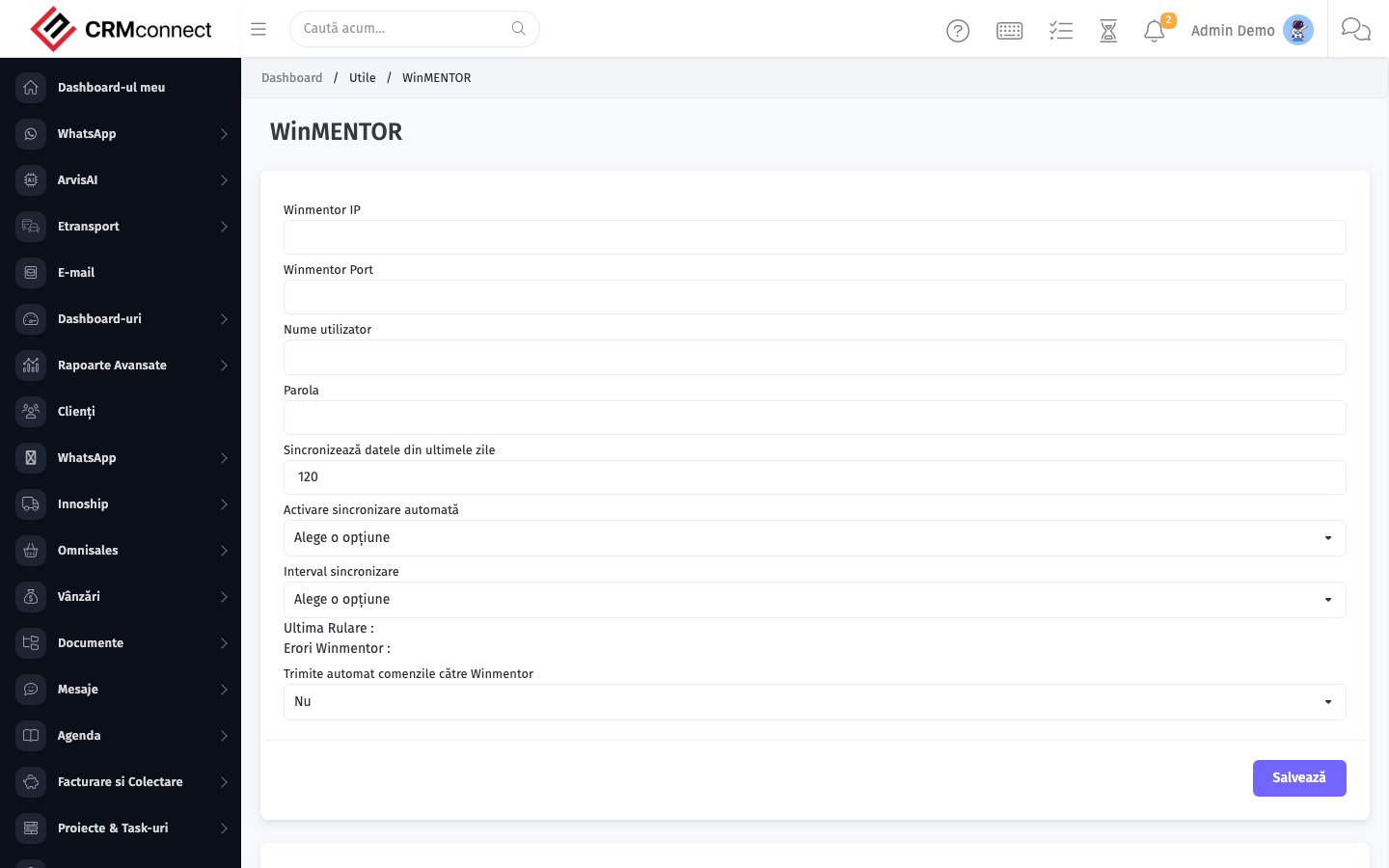
Accessing this module
From the admin sidebar, navigate to WinMentor Integration, or open the URL directly:
/admin/winmentor
List view
The list view shows existing winmentor integration records. Use it to search, filter, sort, and bulk-act on items.

Common actions
- View existing records — open WinMentor Integration from the sidebar to see the list view.
- Search and filter — use the search box and column filters to find records.
- Create a new record — click the Add / New button (or follow the "Create" URL above) and fill in the required fields.
- Edit a record — click a row to open the detail view, then use the edit action.
- Delete a record — use the row's delete action; deletion may be soft or hard depending on the module.
- Bulk operations — select multiple rows via the checkboxes and apply a bulk action from the toolbar (export, delete, status change, etc., where supported).
WinMentor exports are period-based — re-exporting an already-imported period creates duplicate entries in WinMentor. Coordinate with your accountant before each export to confirm which fiscal periods are already closed.
Map every document type (invoice, credit note, payment, purchase invoice) to the correct WinMentor document type before the first export. A wrong mapping classifies documents incorrectly in WinMentor — correcting this after the fact requires manual intervention in both systems.
Captured: 2026-05-10T09:51:26.776Z · Source: demo.crmconnect.io/admin/winmentor