Purchase Items
Section: Purchase Management
URL:/admin/purchase/items
Page title: (2) Articole
Overview
Catalog of items procurable from vendors — distinct from sales Items and stock Commodities (though typically linked).
Business value
Catalog of items procurable from vendors — the procurement-side counterpart to your sales catalog. Often linked to commodities (for stock) and items (for resale).
- Who uses it: Procurement, finance
- Key benefit: Standardises what you buy, from whom, and at what price — the foundation of category management.
Typical use cases:
- Centralised "approved supplier" catalog
- Per-vendor pricing comparison
At a glance
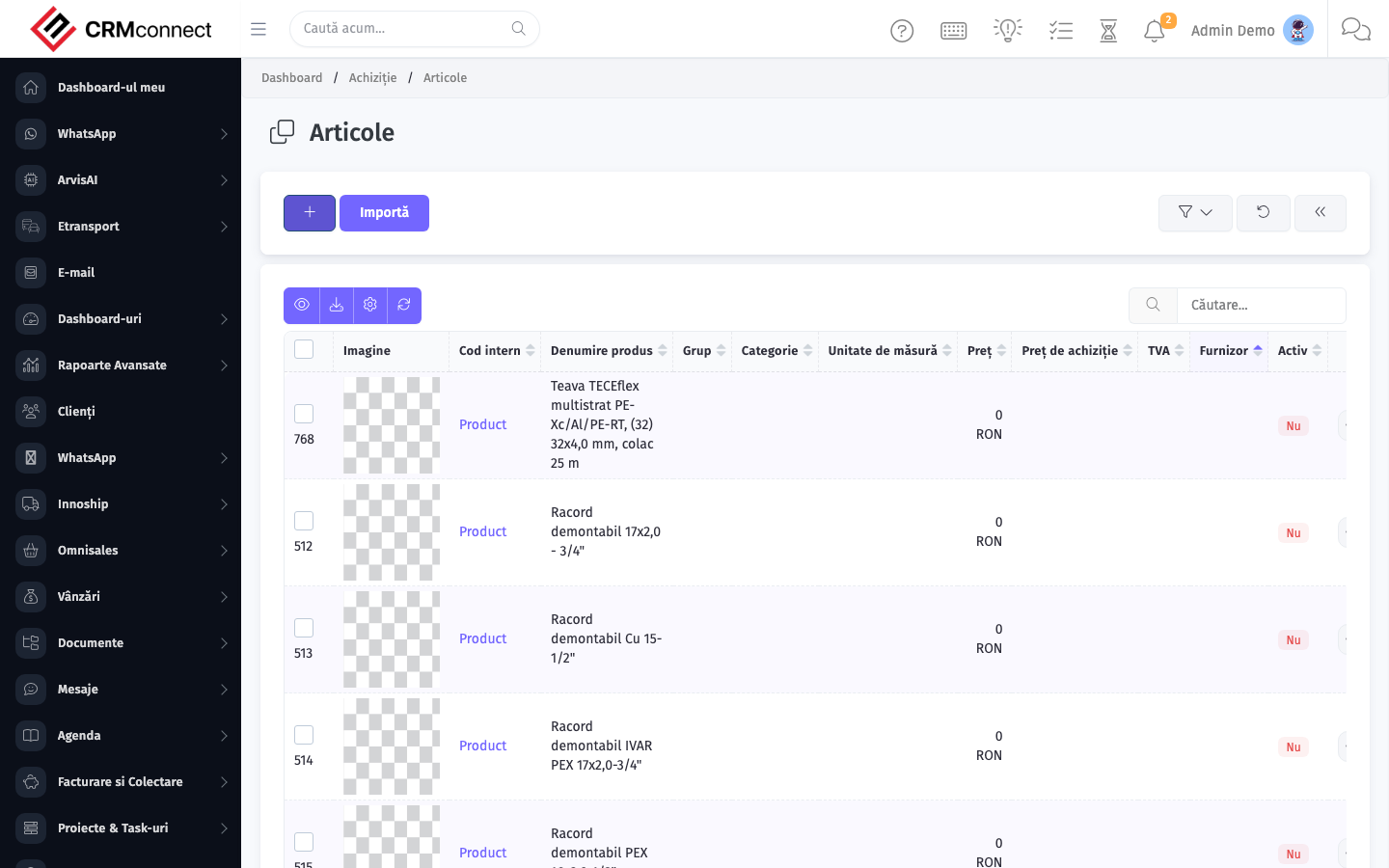
Accessing this module
From the admin sidebar, navigate to Purchase Items, or open the URL directly:
/admin/purchase/items
List view
The list view shows existing purchase items records. Use it to search, filter, sort, and bulk-act on items.
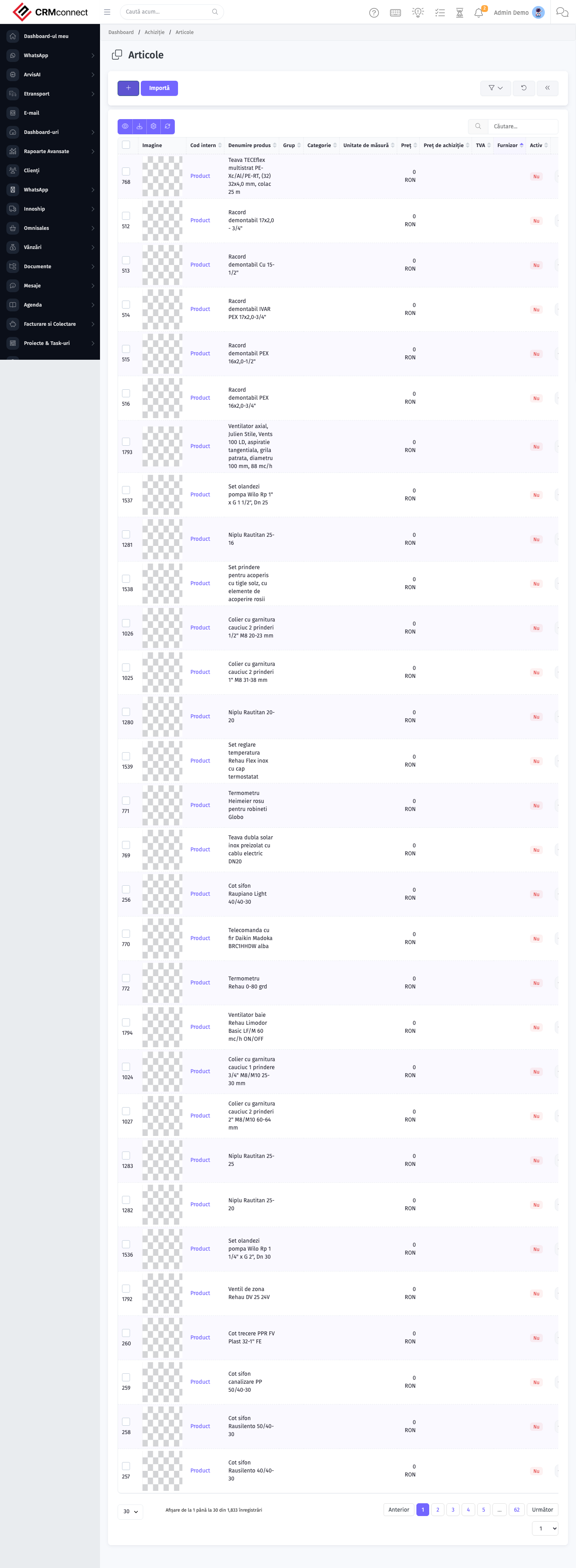
Common actions
- View existing records — open Purchase Items from the sidebar to see the list view.
- Search and filter — use the search box and column filters to find records.
- Create a new record — click the Add / New button (or follow the "Create" URL above) and fill in the required fields.
- Edit a record — click a row to open the detail view, then use the edit action.
- Delete a record — use the row's delete action; deletion may be soft or hard depending on the module.
- Bulk operations — select multiple rows via the checkboxes and apply a bulk action from the toolbar (export, delete, status change, etc., where supported).
Purchase Items are distinct from Commodities (warehouse stock) and Sales Items (revenue catalog) — they represent what you buy, not what you hold or sell. Keep the three linked where applicable so RFQs, stock movements, and invoices reference the same underlying product.
Build an "approved supplier catalog" in Purchase Items — restrict buyers to cataloged items on POs so off-catalog spend is flagged at creation rather than discovered at audit.
API
This module is available via the REST API.
Authentication. All API requests require the header authtoken: <token> (generate one at /admin/api/api_management).
Base URL. https://your-domain.tld/api/
Key endpoints:
| Method | Path | Purpose |
|---|---|---|
GET |
{{base_url}}purchase/items?page=1&per_page=50 |
List |
GET |
{{base_url}}purchase/items/{{purchase_record_id}} |
Get one |
GET |
{{base_url}}purchase/items/search/{{search_key}} |
Search |
POST |
{{base_url}}purchase/items |
Create |
PUT |
{{base_url}}purchase/items/{{purchase_record_id}} |
Update |
DELETE |
{{base_url}}purchase/items/{{purchase_record_id}} |
Delete |
GET |
{{base_url}}purchase/vendors?page=1&per_page=50 |
List |
GET |
{{base_url}}purchase/vendors/{{purchase_record_id}} |
Get one |
GET |
{{base_url}}purchase/vendors/search/{{search_key}} |
Search |
POST |
{{base_url}}purchase/vendors |
Create |
PUT |
{{base_url}}purchase/vendors/{{purchase_record_id}} |
Update |
DELETE |
{{base_url}}purchase/vendors/{{purchase_record_id}} |
Delete |
GET |
{{base_url}}purchase/vendor_items?page=1&per_page=50 |
List |
GET |
{{base_url}}purchase/vendor_items/{{purchase_record_id}} |
Get one |
POST |
{{base_url}}purchase/vendor_items |
Create |
PUT |
{{base_url}}purchase/vendor_items/{{purchase_record_id}} |
Update |
DELETE |
{{base_url}}purchase/vendor_items/{{purchase_record_id}} |
Delete |
GET |
{{base_url}}purchase/purchase_request?page=1&per_page=50 |
List |
GET |
{{base_url}}purchase/purchase_request/{{purchase_record_id}} |
Get one |
POST |
{{base_url}}purchase/purchase_request |
Create |
See the full payload schemas, query parameters, and example responses in the API reference (`Purchase`).
Captured: 2026-05-10T09:51:26.776Z · Source: demo.crmconnect.io/admin/purchase/items