Bank Statement
Section: Finance & Accounting
URL:/admin/bank_statement
Page title: (2) Extrase bancare
Overview
Import and reconcile bank statements with invoices, payments, and expenses.
Business value
Imports bank statements and reconciles them against invoices, payments, and expenses — so finance closes the books fast and accurately, without Excel reconciliation marathons.
- Who uses it: Finance, controller, accounts receivable
- Key benefit: Reduces month-end close time by days and catches mismatches early.
- Metrics it influences: Days-to-close, reconciliation accuracy, unallocated cash
Typical use cases:
- Daily auto-reconciliation of bank transfers to invoices
- Identify unallocated payments for follow-up
- Month-end close 3 days faster
At a glance
Accessing this module
From the admin sidebar, navigate to Bank Statement, or open the URL directly:
/admin/bank_statement
List view
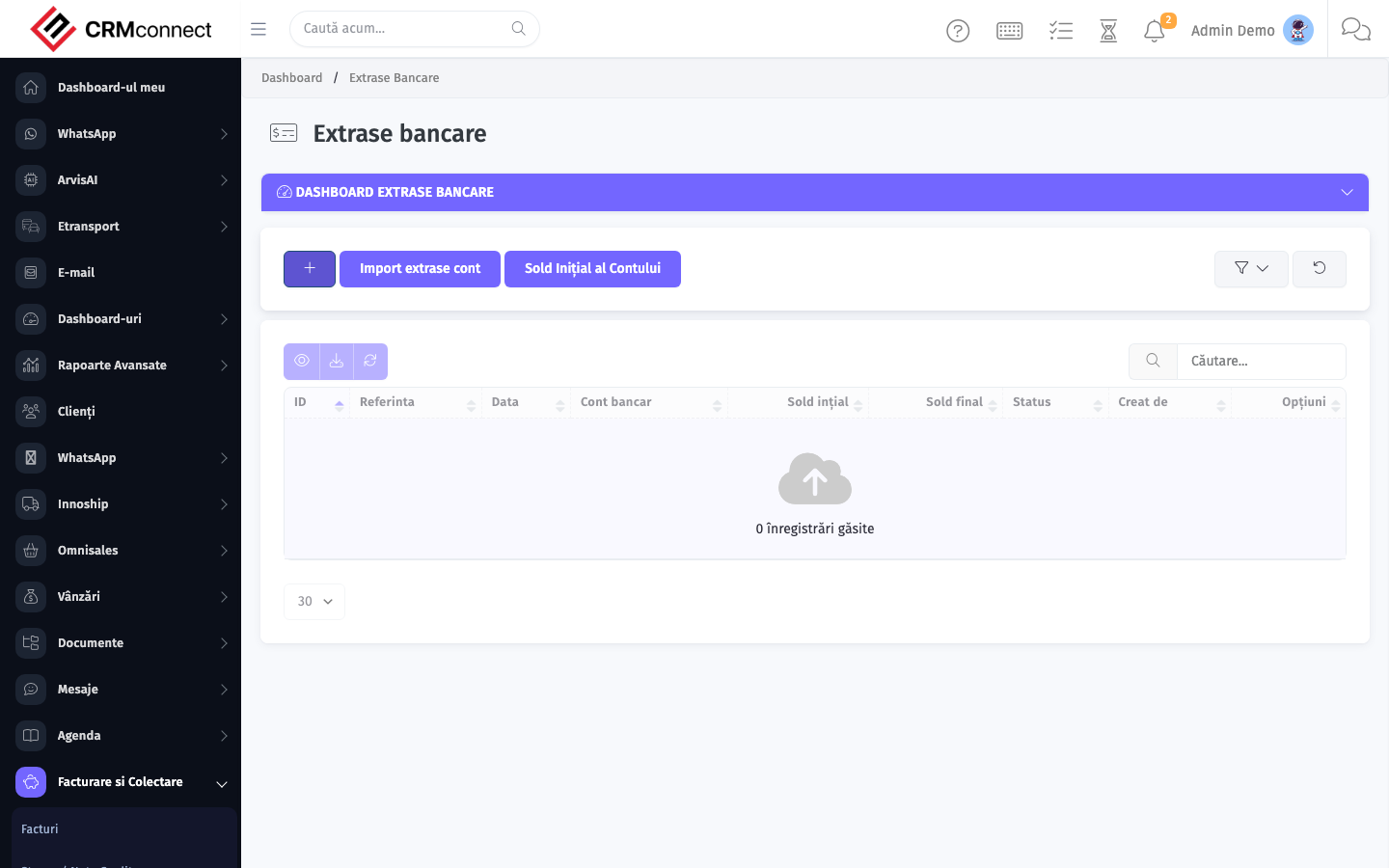
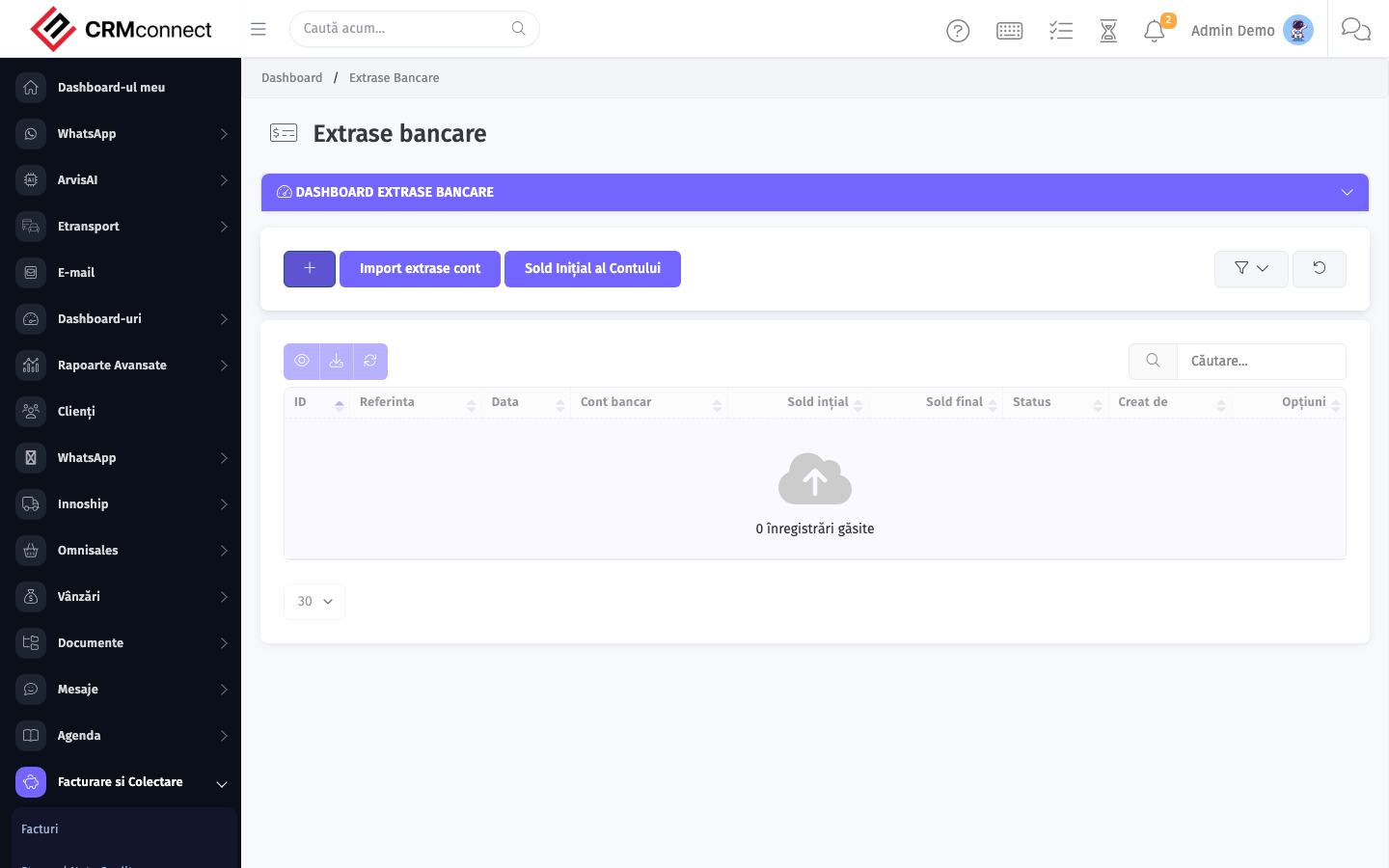
The list view shows existing bank statement records. Use it to search, filter, sort, and bulk-act on items.
Common actions
- View existing records — open Bank Statement from the sidebar to see the list view.
- Search and filter — use the search box and column filters to find records.
- Create a new record — click the Add / New button (or follow the "Create" URL above) and fill in the required fields.
- Edit a record — click a row to open the detail view, then use the edit action.
- Delete a record — use the row's delete action; deletion may be soft or hard depending on the module.
- Bulk operations — select multiple rows via the checkboxes and apply a bulk action from the toolbar (export, delete, status change, etc., where supported).
Import your bank statement as an MT940 or CSV file instead of entering transactions manually — most Romanian banks export in these formats. The import automatically matches transactions to invoices or payments where amounts and references align exactly.
Do not reconcile a bank transaction to an invoice before verifying the client and amount. Correcting a wrong reconciliation requires deleting the match and re-doing it — and any reports generated in the interim will have shown incorrect data.
Captured: 2026-05-10T09:51:26.776Z · Source: demo.crmconnect.io/admin/bank_statement