Sales Channels
Section: Omnichannel Sales & Manufacturing
URL:/admin/omni_sales/omni_sales_channel
Page title: (2) Canale primire comenzi
Overview
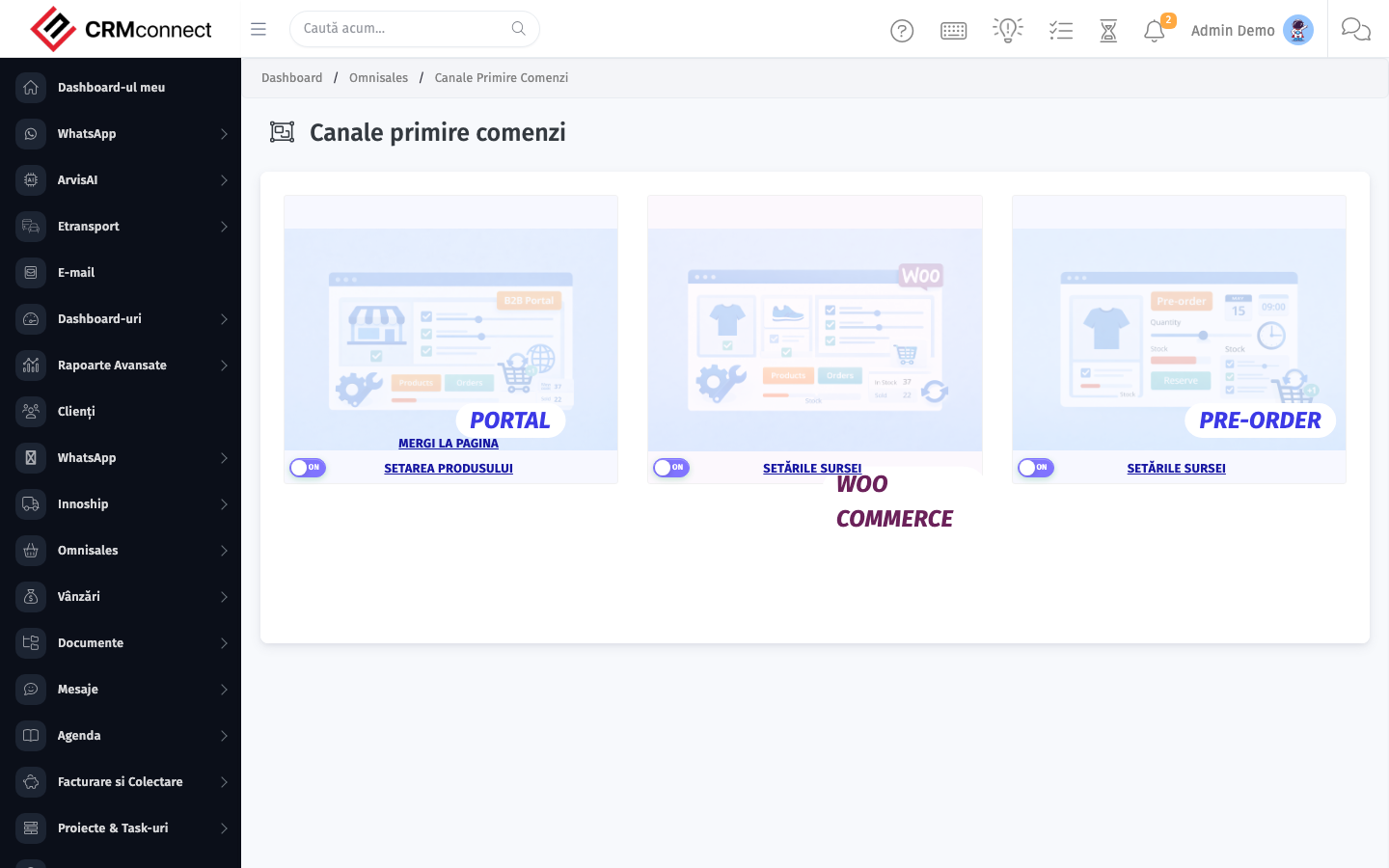
Configure each external sales channel — credentials, sync schedule, mapping rules.
Business value
Configures each external sales channel — credentials, sync schedule, product mapping, currency. The plumbing that makes omnichannel actually work.
- Who uses it: E-commerce manager, IT, operations
- Key benefit: Adds a new channel in days, not months.
Typical use cases:
- Plug in a new WooCommerce store
- Add a marketplace integration
At a glance
Accessing this module
From the admin sidebar, navigate to Sales Channels, or open the URL directly:
/admin/omni_sales/omni_sales_channel
List view
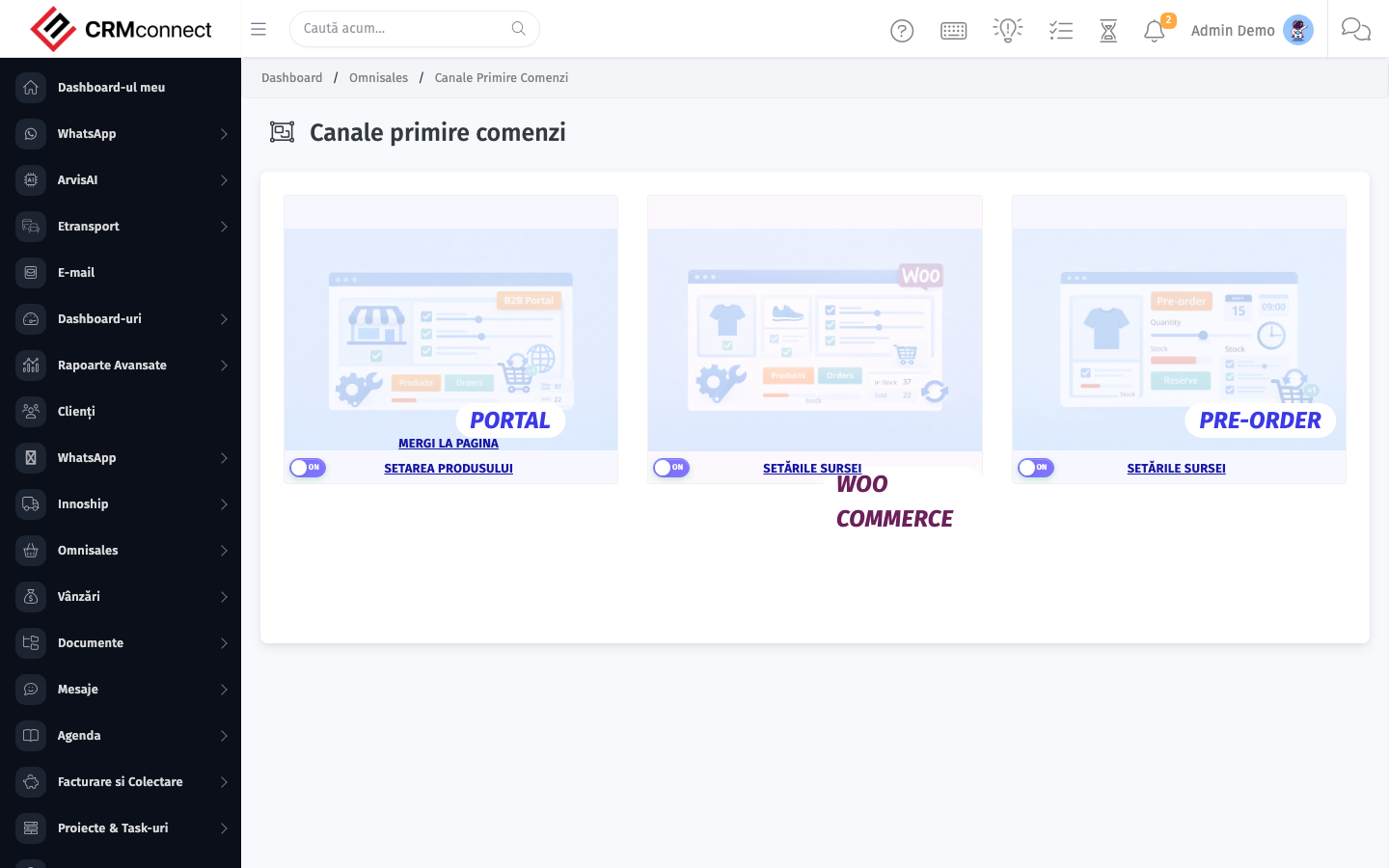
The list view shows existing sales channels records. Use it to search, filter, sort, and bulk-act on items.
Common actions
- View existing records — open Sales Channels from the sidebar to see the list view.
- Search and filter — use the search box and column filters to find records.
- Create a new record — click the Add / New button (or follow the "Create" URL above) and fill in the required fields.
- Edit a record — click a row to open the detail view, then use the edit action.
- Delete a record — use the row's delete action; deletion may be soft or hard depending on the module.
- Bulk operations — select multiple rows via the checkboxes and apply a bulk action from the toolbar (export, delete, status change, etc., where supported).
Configure product mapping rules when setting up a new channel — unmapped products in incoming orders are flagged in Channel Sync Audit so you can add mappings before orders start failing silently.
Deleting a sales channel removes all product mappings for that channel. Disable the channel instead of deleting it if you want to pause sync without losing the mapping configuration you have built.
API
This module is available via the REST API.
Authentication. All API requests require the header authtoken: <token> (generate one at /admin/api/api_management).
Base URL. https://your-domain.tld/api/
Key endpoints:
| Method | Path | Purpose |
|---|---|---|
GET |
{{base_url}}omni_sales/orders?page=1&per_page=50 |
List |
GET |
{{base_url}}omni_sales/orders/{{omni_record_id}} |
Get one |
POST |
{{base_url}}omni_sales/orders |
Create (Not allowed) |
PUT |
{{base_url}}omni_sales/orders/{{omni_record_id}} |
Update status |
DELETE |
{{base_url}}omni_sales/orders/{{omni_record_id}} |
Delete (Not allowed) |
GET |
{{base_url}}omni_sales/order_types?page=1&per_page=50 |
List |
GET |
{{base_url}}omni_sales/order_types/{{omni_record_id}} |
Get one |
POST |
{{base_url}}omni_sales/order_types |
Create |
PUT |
{{base_url}}omni_sales/order_types/{{omni_record_id}} |
Update |
DELETE |
{{base_url}}omni_sales/order_types/{{omni_record_id}} |
Delete |
GET |
{{base_url}}omni_sales/sales_channels?page=1&per_page=50 |
List |
GET |
{{base_url}}omni_sales/sales_channels/{{omni_record_id}} |
Get one |
GET |
{{base_url}}omni_sales/sales_channels/search/{{search_key}} |
Search |
POST |
{{base_url}}omni_sales/sales_channels |
Create |
PUT |
{{base_url}}omni_sales/sales_channels/{{omni_record_id}} |
Update |
DELETE |
{{base_url}}omni_sales/sales_channels/{{omni_record_id}} |
Delete |
GET |
{{base_url}}omni_sales/channel_products?page=1&per_page=50 |
List |
GET |
{{base_url}}omni_sales/channel_products/{{omni_record_id}} |
Get one |
POST |
{{base_url}}omni_sales/channel_products |
Create |
PUT |
{{base_url}}omni_sales/channel_products/{{omni_record_id}} |
Update |
See the full payload schemas, query parameters, and example responses in the API reference (`Omni Sales`).
Captured: 2026-05-10T09:51:26.776Z · Source: demo.crmconnect.io/admin/omni_sales/omni_sales_channel