RFQ — Requests for Quotation
Section: Purchase Management
URL:/admin/purchase/purchase_request
Page title: (2) Cereri de oferte (RFQ)
Overview
Requests for Quotation (RFQ) — invitations sent to one or more vendors asking for price and terms on a list of items.
Business value
Sends Requests for Quotation to multiple vendors at once and consolidates their responses for side-by-side comparison — formalising the "get three bids" rule that's otherwise enforced by tribal habit.
- Who uses it: Procurement, buyers
- Key benefit: Drives savings of 5-15% through structured competition on every significant purchase.
- Metrics it influences: Negotiated savings, RFQ cycle time, supplier participation rate
Typical use cases:
- Annual contract renewal goes out to three vendors
- One-off capex purchase requires bid comparison for compliance
At a glance
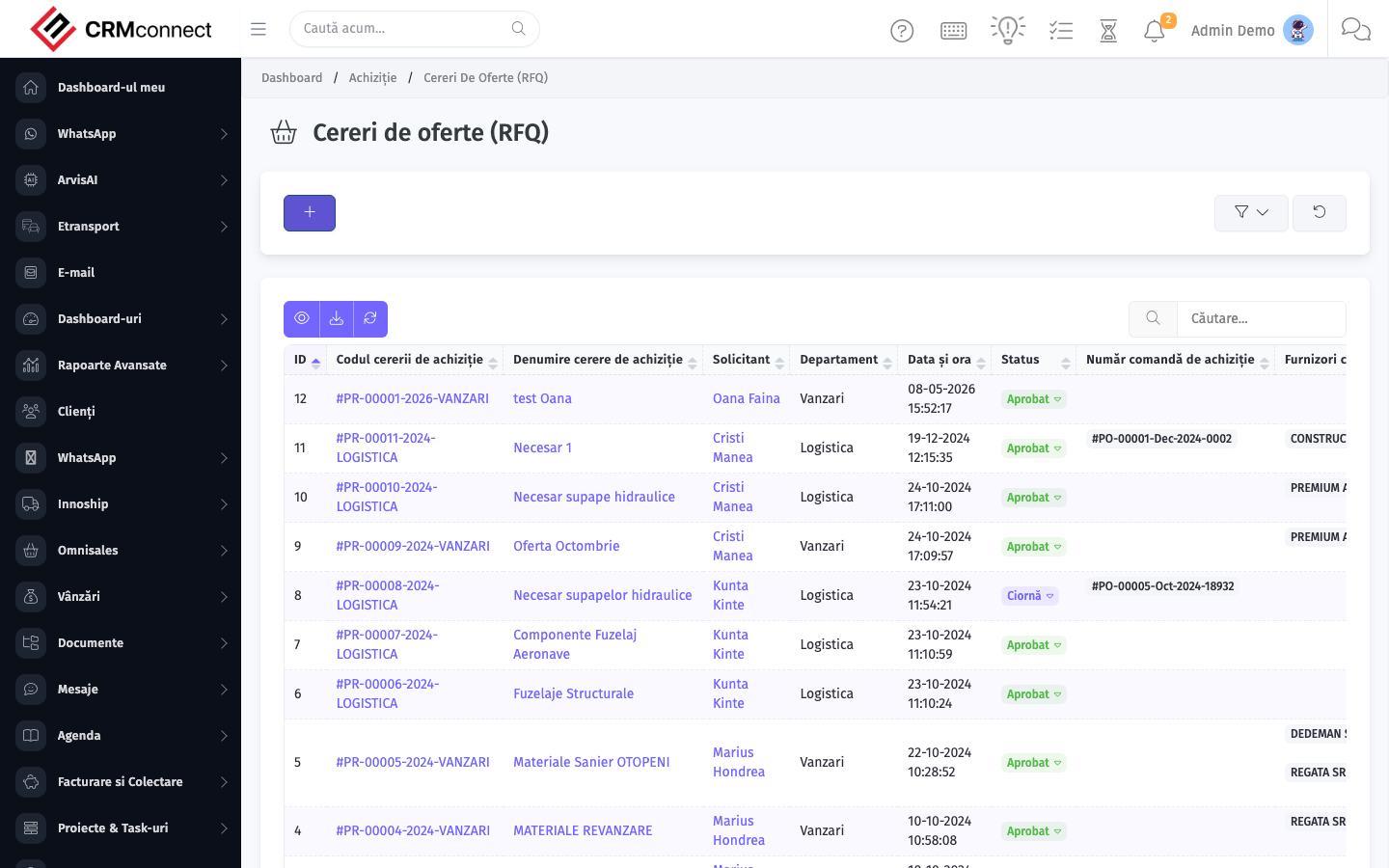
Accessing this module
From the admin sidebar, navigate to RFQ — Requests for Quotation, or open the URL directly:
/admin/purchase/purchase_request
List view
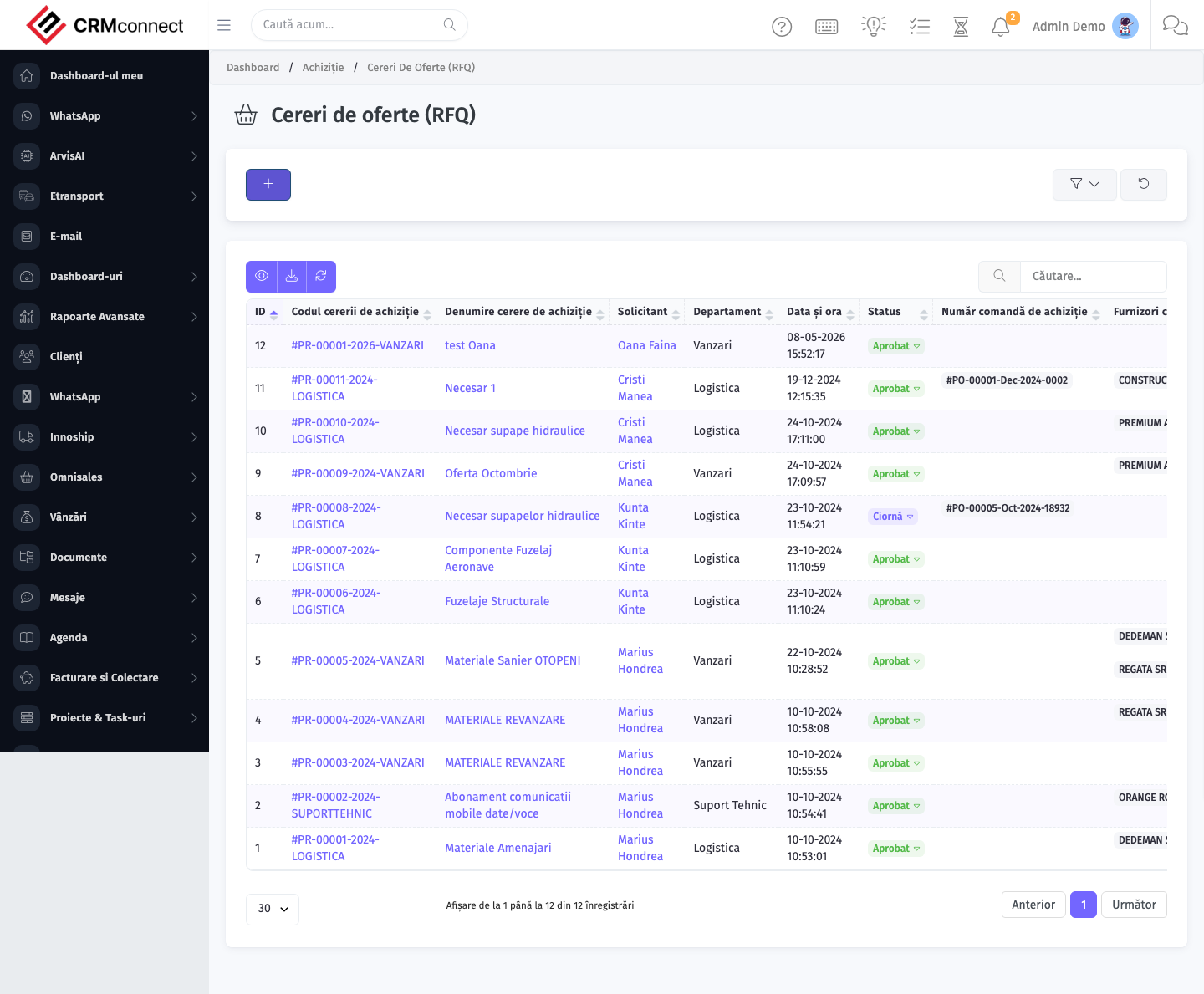
The list view shows existing rfq — requests for quotation records. Use it to search, filter, sort, and bulk-act on items.
Create / edit form
Open the create form to add a new rfq — requests for quotation record. Editing an existing record uses the same form pre-populated with current values.
Common actions
- View existing records — open RFQ — Requests for Quotation from the sidebar to see the list view.
- Search and filter — use the search box and column filters to find records.
- Create a new record — click the Add / New button (or follow the "Create" URL above) and fill in the required fields.
- Edit a record — click a row to open the detail view, then use the edit action.
- Delete a record — use the row's delete action; deletion may be soft or hard depending on the module.
- Bulk operations — select multiple rows via the checkboxes and apply a bulk action from the toolbar (export, delete, status change, etc., where supported).
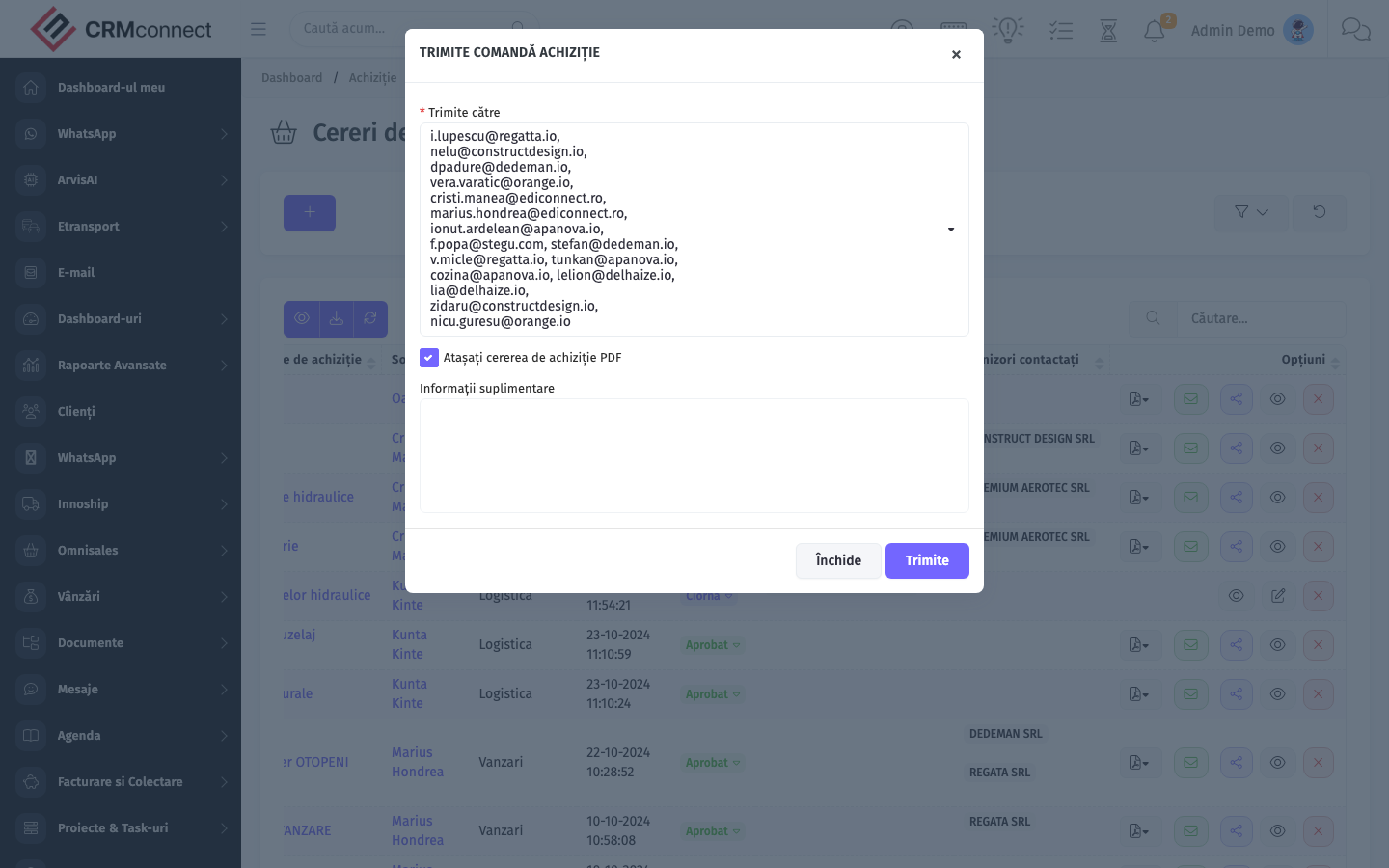
Send a single RFQ to multiple vendors simultaneously — add all target vendors to the RFQ before sending so each receives the same specification and deadline, making responses directly comparable in Received Quotations.
Vendor responses are stored in Received Quotations and linked back to the originating RFQ — you can compare price, lead-time, and terms side by side without leaving the platform.
API
This module is available via the REST API.
Authentication. All API requests require the header authtoken: <token> (generate one at /admin/api/api_management).
Base URL. https://your-domain.tld/api/
Key endpoints:
| Method | Path | Purpose |
|---|---|---|
GET |
{{base_url}}purchase/items?page=1&per_page=50 |
List |
GET |
{{base_url}}purchase/items/{{purchase_record_id}} |
Get one |
GET |
{{base_url}}purchase/items/search/{{search_key}} |
Search |
POST |
{{base_url}}purchase/items |
Create |
PUT |
{{base_url}}purchase/items/{{purchase_record_id}} |
Update |
DELETE |
{{base_url}}purchase/items/{{purchase_record_id}} |
Delete |
GET |
{{base_url}}purchase/vendors?page=1&per_page=50 |
List |
GET |
{{base_url}}purchase/vendors/{{purchase_record_id}} |
Get one |
GET |
{{base_url}}purchase/vendors/search/{{search_key}} |
Search |
POST |
{{base_url}}purchase/vendors |
Create |
PUT |
{{base_url}}purchase/vendors/{{purchase_record_id}} |
Update |
DELETE |
{{base_url}}purchase/vendors/{{purchase_record_id}} |
Delete |
GET |
{{base_url}}purchase/vendor_items?page=1&per_page=50 |
List |
GET |
{{base_url}}purchase/vendor_items/{{purchase_record_id}} |
Get one |
POST |
{{base_url}}purchase/vendor_items |
Create |
PUT |
{{base_url}}purchase/vendor_items/{{purchase_record_id}} |
Update |
DELETE |
{{base_url}}purchase/vendor_items/{{purchase_record_id}} |
Delete |
GET |
{{base_url}}purchase/purchase_request?page=1&per_page=50 |
List |
GET |
{{base_url}}purchase/purchase_request/{{purchase_record_id}} |
Get one |
POST |
{{base_url}}purchase/purchase_request |
Create |
See the full payload schemas, query parameters, and example responses in the API reference (`Purchase`).
Captured: 2026-05-10T09:51:26.776Z · Source: demo.crmconnect.io/admin/purchase/purchase_request