Lead Email Integration
Section: Customer Relationship Management
URL:/admin/leads/email_integration
Page title: (2) Integrare captare lead-uri prin e-mail
Overview
Lead email integration ingests inbound emails as leads, applying parsing rules to extract key fields automatically.
Business value
Turns a shared mailbox (sales@, info@, contact@) into a structured lead pipeline by automatically parsing inbound emails and creating leads — so nothing gets lost in someone's inbox.
- Who uses it: Sales, marketing, customer success
- Key benefit: Eliminates the "shared-inbox black hole" where prospects disappear.
Typical use cases:
- Inbound RFQs become tracked leads with full thread preserved
- Auto-routes leads to the right rep based on parsing rules
At a glance

Accessing this module
From the admin sidebar, navigate to Lead Email Integration, or open the URL directly:
/admin/leads/email_integration
List view
The list view shows existing lead email integration records. Use it to search, filter, sort, and bulk-act on items.
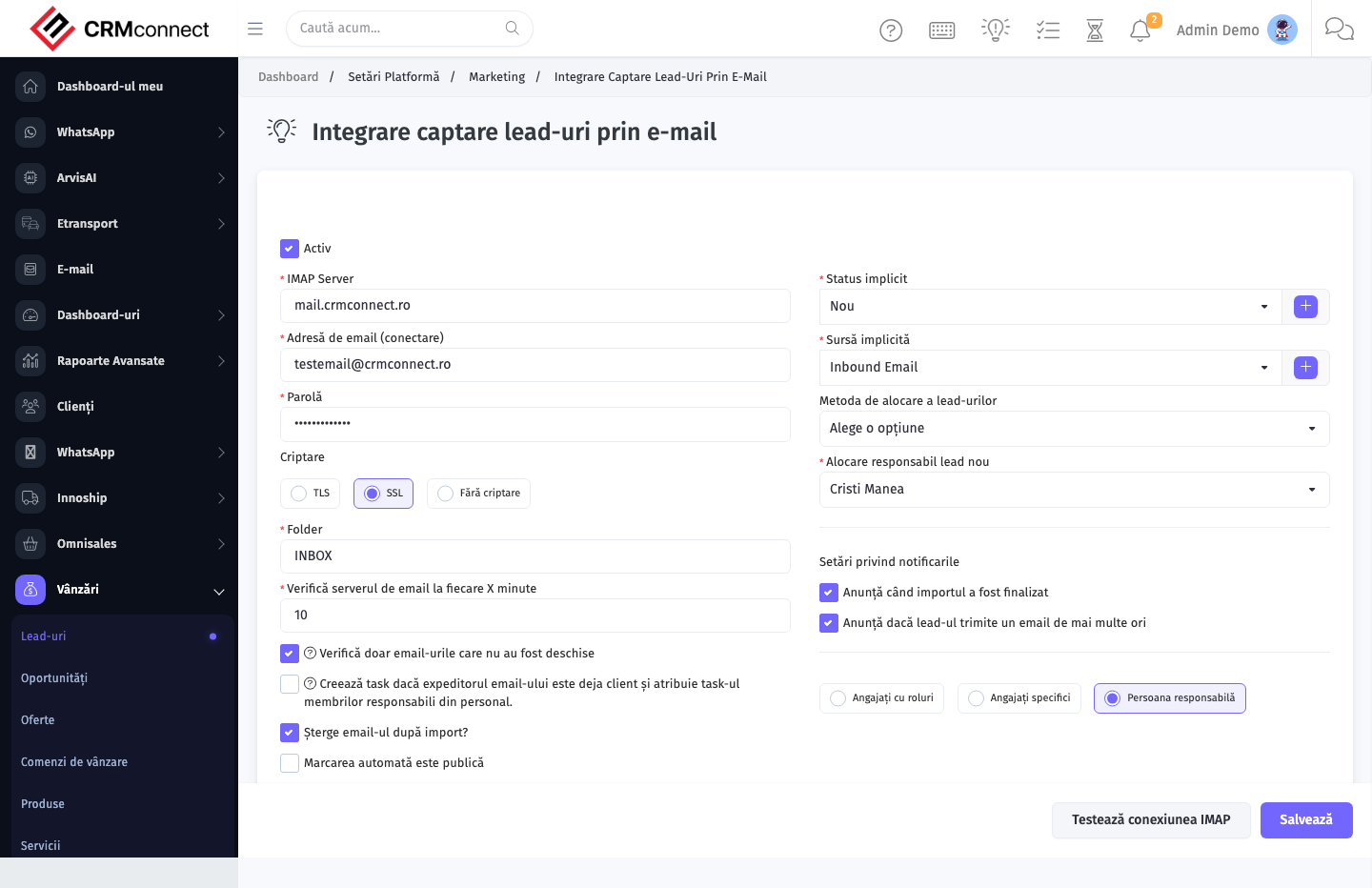
Common actions
- View existing records — open Lead Email Integration from the sidebar to see the list view.
- Search and filter — use the search box and column filters to find records.
- Create a new record — click the Add / New button (or follow the "Create" URL above) and fill in the required fields.
- Edit a record — click a row to open the detail view, then use the edit action.
- Delete a record — use the row's delete action; deletion may be soft or hard depending on the module.
- Bulk operations — select multiple rows via the checkboxes and apply a bulk action from the toolbar (export, delete, status change, etc., where supported).
Configure parsing rules to automatically assign incoming leads to the right sales rep based on email content (subject keywords, sender domain) — so high-priority RFQs are routed instantly without manual triage.
Every inbound email to a connected mailbox becomes a lead. Set up exclusion rules for auto-replies, out-of-office messages, and newsletters before connecting a shared sales inbox to avoid flooding the lead list with noise.
Captured: 2026-05-10T09:51:26.776Z · Source: demo.crmconnect.io/admin/leads/email_integration