Currencies
Section: Finance & Accounting
URL:/admin/currencies
Page title: (2) Monede
Overview
Multi-currency support — define currencies, exchange rates, and per-document currency selection.
Business value
Multi-currency support — multiple invoicing currencies, exchange rates (manual or auto-feed), per-document currency selection. Essential for any business with international customers or suppliers.
- Who uses it: Finance, sales, procurement, treasurer
- Key benefit: Operate globally with accurate local-currency accounting and FX impact visibility.
Typical use cases:
- Invoice in USD, report in EUR
- Track FX gain/loss on settled invoices
- Multi-currency cash-flow forecast
At a glance
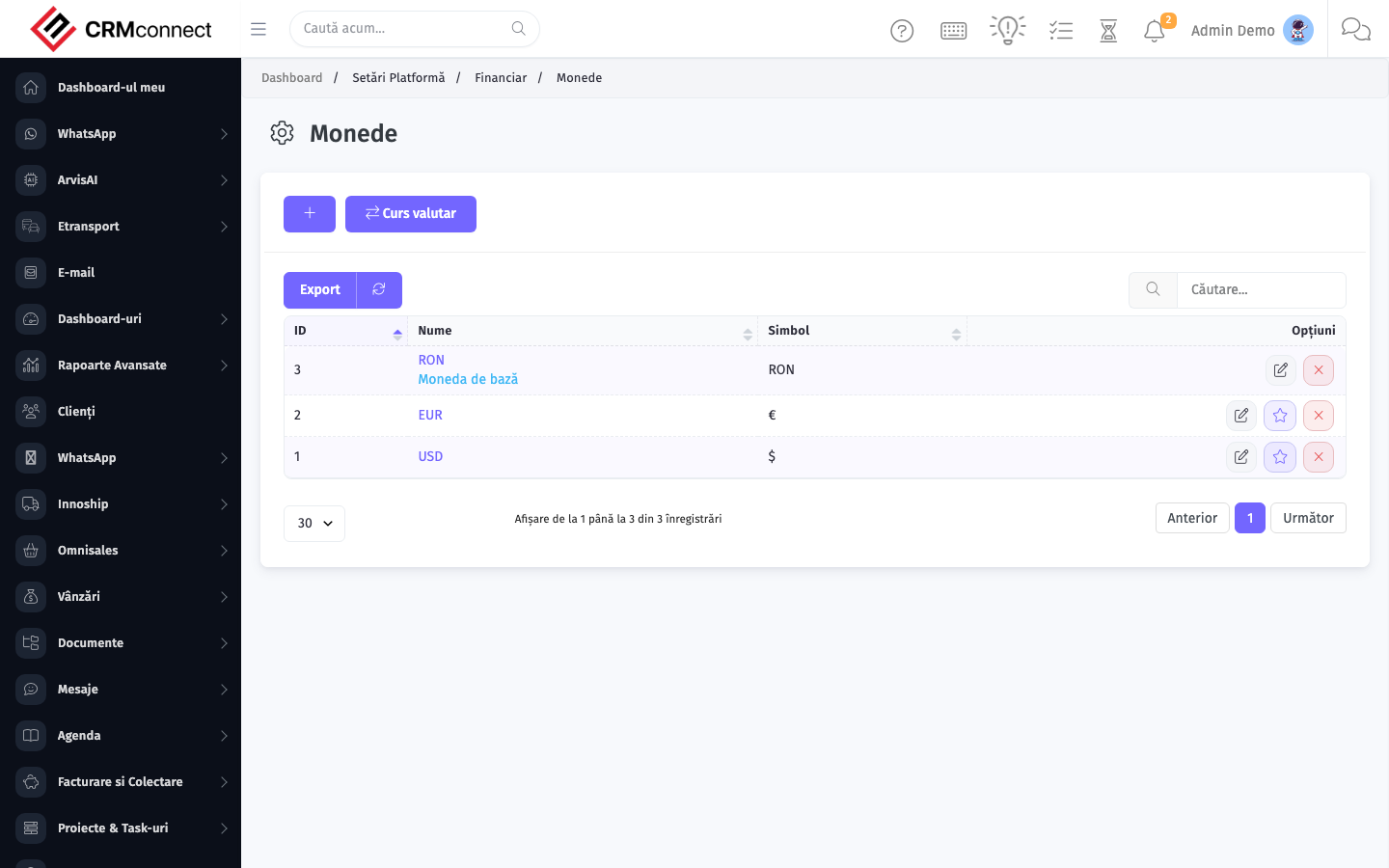
Accessing this module
From the admin sidebar, navigate to Currencies, or open the URL directly:
/admin/currencies
List view
The list view shows existing currencies records. Use it to search, filter, sort, and bulk-act on items.
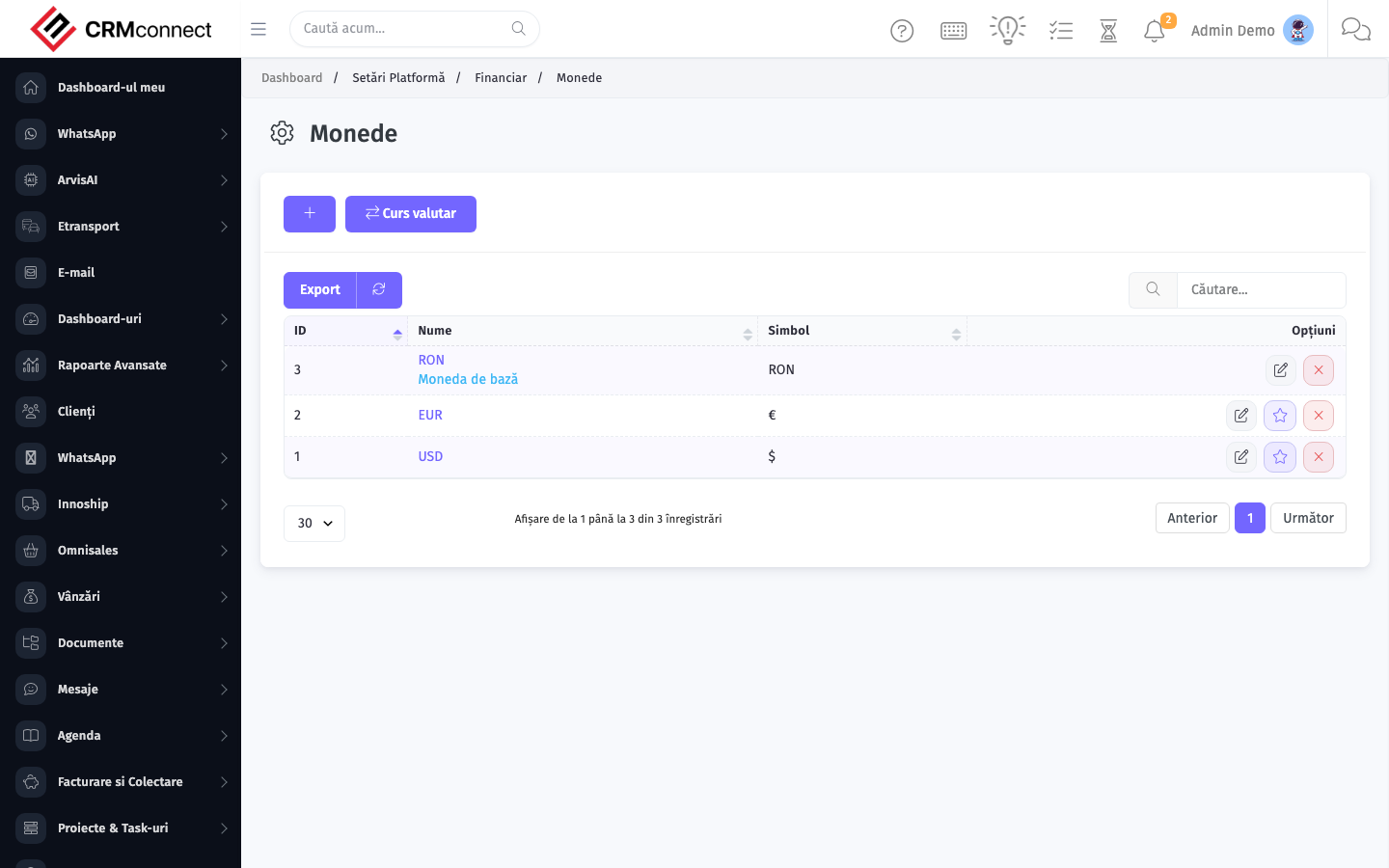
Common actions
- View existing records — open Currencies from the sidebar to see the list view.
- Search and filter — use the search box and column filters to find records.
- Create a new record — click the Add / New button (or follow the "Create" URL above) and fill in the required fields.
- Edit a record — click a row to open the detail view, then use the edit action.
- Delete a record — use the row's delete action; deletion may be soft or hard depending on the module.
- Bulk operations — select multiple rows via the checkboxes and apply a bulk action from the toolbar (export, delete, status change, etc., where supported).
Changing an exchange rate does not retroactively update invoices already issued in that currency — each invoice locks in the rate at creation time. If you need to restate historical values, this requires manual journal entries in your accounting software.
Enable automatic exchange rate updates (Settings → Currencies → Auto-update rate) so rates refresh daily from the NBR/ECB feed. Manual rate entry is a common source of FX errors on multi-currency invoices.
API
This module is available via the REST API.
Authentication. All API requests require the header authtoken: <token> (generate one at /admin/api/api_management).
Base URL. https://your-domain.tld/api/
Key endpoints:
| Method | Path | Purpose |
|---|---|---|
GET |
{{base_url}}currencies |
List All Currencies |
GET |
{{base_url}}currencies/1 |
Get One |
GET |
{{base_url}}currencies/search/RON |
Search Currency Information |
See the full payload schemas, query parameters, and example responses in the API reference (`Currencies`).
Captured: 2026-05-10T09:51:26.776Z · Source: demo.crmconnect.io/admin/currencies