Marketing Campaigns
Section: Marketing & Communication
URL:/admin/marketing_campaigns
Page title: (2) Campanii de marketing
Overview
Plan and track marketing campaigns — goals, budget, audience, channel mix, performance.
Business value
Plans and tracks marketing campaigns — goal, budget, audience, channel mix, KPIs, attributed leads and revenue. Ties marketing activity to commercial outcomes.
- Who uses it: CMO, marketing managers, demand-gen, finance
- Key benefit: Proves marketing ROI with closed-loop reporting from spend to revenue.
- Metrics it influences: CAC, marketing-attributed pipeline, ROI per campaign
Typical use cases:
- Q4 product-launch campaign with attributed pipeline
- Channel-mix decisions based on past attributed revenue
At a glance
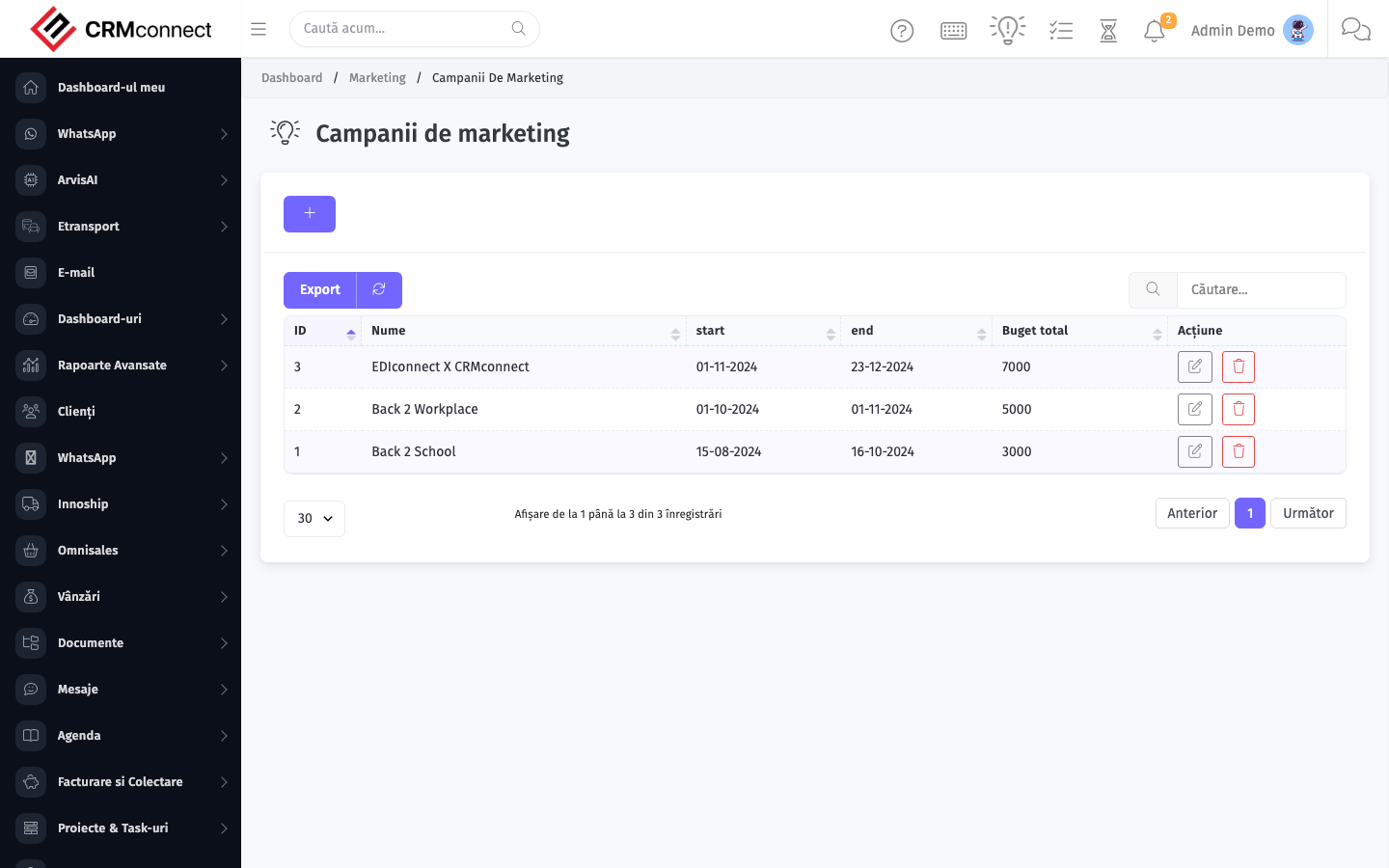
Accessing this module
From the admin sidebar, navigate to Marketing Campaigns, or open the URL directly:
/admin/marketing_campaigns
List view
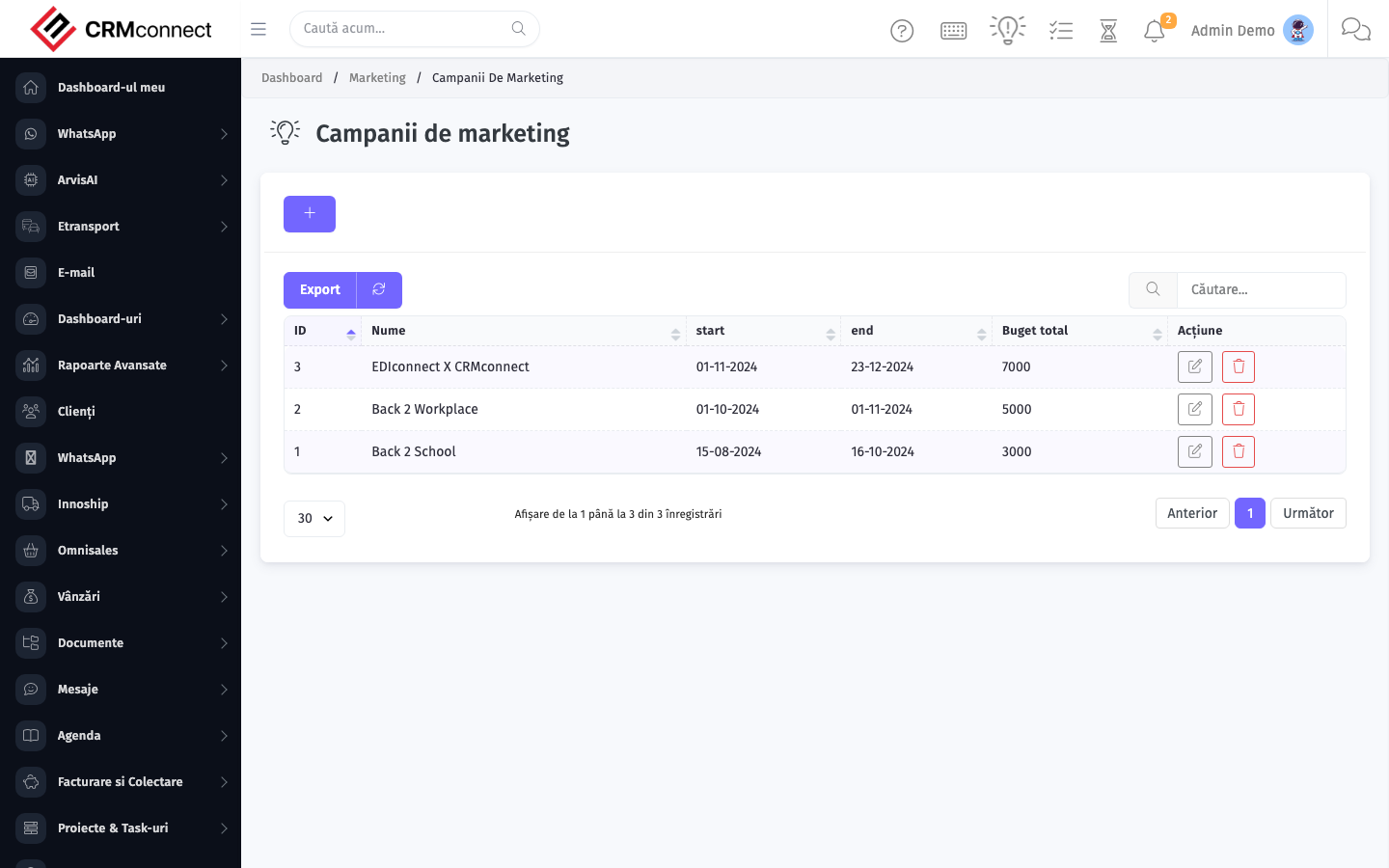
The list view shows existing marketing campaigns records. Use it to search, filter, sort, and bulk-act on items.
Common actions
- View existing records — open Marketing Campaigns from the sidebar to see the list view.
- Search and filter — use the search box and column filters to find records.
- Create a new record — click the Add / New button (or follow the "Create" URL above) and fill in the required fields.
- Edit a record — click a row to open the detail view, then use the edit action.
- Delete a record — use the row's delete action; deletion may be soft or hard depending on the module.
- Bulk operations — select multiple rows via the checkboxes and apply a bulk action from the toolbar (export, delete, status change, etc., where supported).
Tag a Lead Source to every campaign — this links incoming leads to the campaign so the marketing-attributed pipeline report shows which campaigns are driving revenue, not just impressions or clicks.
Marketing Campaigns is the planning and attribution layer — budgets, goals, and closed-loop reporting. Actual email and SMS sends are executed from Marketing Planner. Campaigns are the record that ties activity to commercial outcomes for ROI reporting.
API
This module is available via the REST API.
Authentication. All API requests require the header authtoken: <token> (generate one at /admin/api/api_management).
Base URL. https://your-domain.tld/api/
Key endpoints:
| Method | Path | Purpose |
|---|---|---|
POST |
{{base_url}}marketing_campaigns |
Add New Marketing Campaign |
GET |
{{base_url}}marketing_campaigns?nr_page&per_page |
List all Marketing Campaigns |
GET |
{{base_url}}marketing_campaigns/1 |
Get One Marketing Campaign |
PUT |
{{base_url}}marketing_campaigns/2 |
Update a Marketing Campaign |
DELETE |
{{base_url}}delete/marketing_campaigns/1 |
Delete Marketing Campaign |
See the full payload schemas, query parameters, and example responses in the API reference (`Marketing Campaigns`).
Captured: 2026-05-10T09:51:26.776Z · Source: demo.crmconnect.io/admin/marketing_campaigns