Departments
Section: HR & Workforce
URL:/admin/departments
Page title: (2) Departamente companie
Overview
Organisational departments — used for HR, reporting, and approval routing.
Business value
Organisational structure — used for HR records, reporting splits, and approval routing.
- Who uses it: HR, executives
- Key benefit: Departmental P&Ls and approval flows mirror the actual org chart.
Typical use cases:
- Cost allocation per department
- Approval flows that follow the org chart
At a glance

Accessing this module
From the admin sidebar, navigate to Departments, or open the URL directly:
/admin/departments
List view
The list view shows existing departments records. Use it to search, filter, sort, and bulk-act on items.
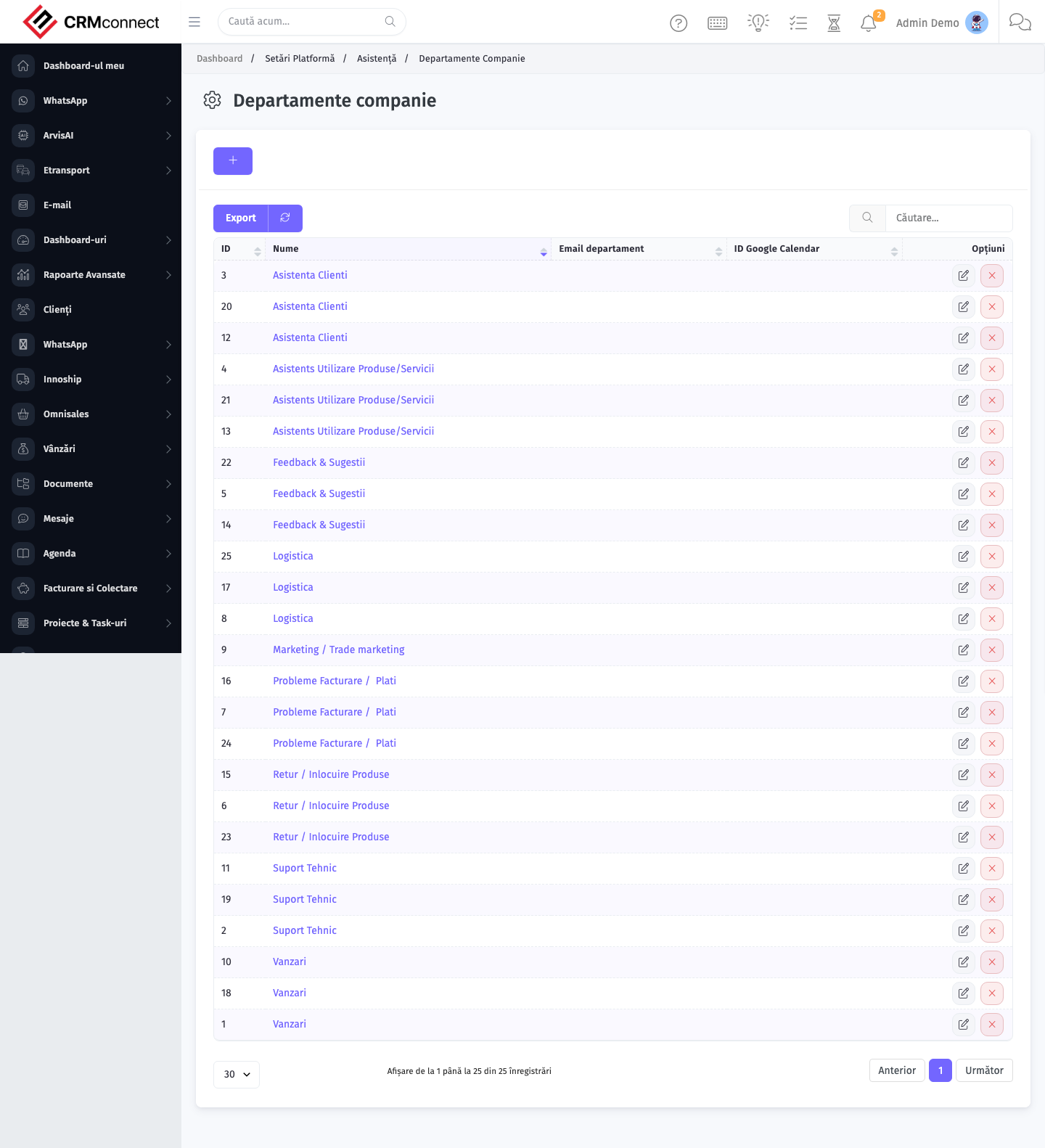
Common actions
- View existing records — open Departments from the sidebar to see the list view.
- Search and filter — use the search box and column filters to find records.
- Create a new record — click the Add / New button (or follow the "Create" URL above) and fill in the required fields.
- Edit a record — click a row to open the detail view, then use the edit action.
- Delete a record — use the row's delete action; deletion may be soft or hard depending on the module.
- Bulk operations — select multiple rows via the checkboxes and apply a bulk action from the toolbar (export, delete, status change, etc., where supported).
Departments drive HR records, reporting splits, and approval routing — create one per distinct organisational unit, mirroring your actual org chart. Approval flows follow the department hierarchy, so the structure here should match how decisions are actually made in your company.
Staff are assigned to a specific department. If you restructure departments, existing staff retain the old department assignment until manually updated — HR reports and approval routing will reflect the old structure for those staff until each record is changed.
Captured: 2026-05-10T09:51:26.776Z · Source: demo.crmconnect.io/admin/departments