WhatsApp API
Section: Marketing & Communication
URL:/admin/whatsapp_api
Page title: (2) Detalii Șablon WhatsApp
Overview
Configure the WhatsApp Business API connection.
Business value
Configures the WhatsApp Business API connection — the prerequisite for any WhatsApp module functionality.
- Who uses it: IT admin, marketing operations
- Key benefit: One-time setup unlocks an entire customer-conversation channel.
Typical use cases:
- Initial provisioning
- Number changes / template approvals
At a glance
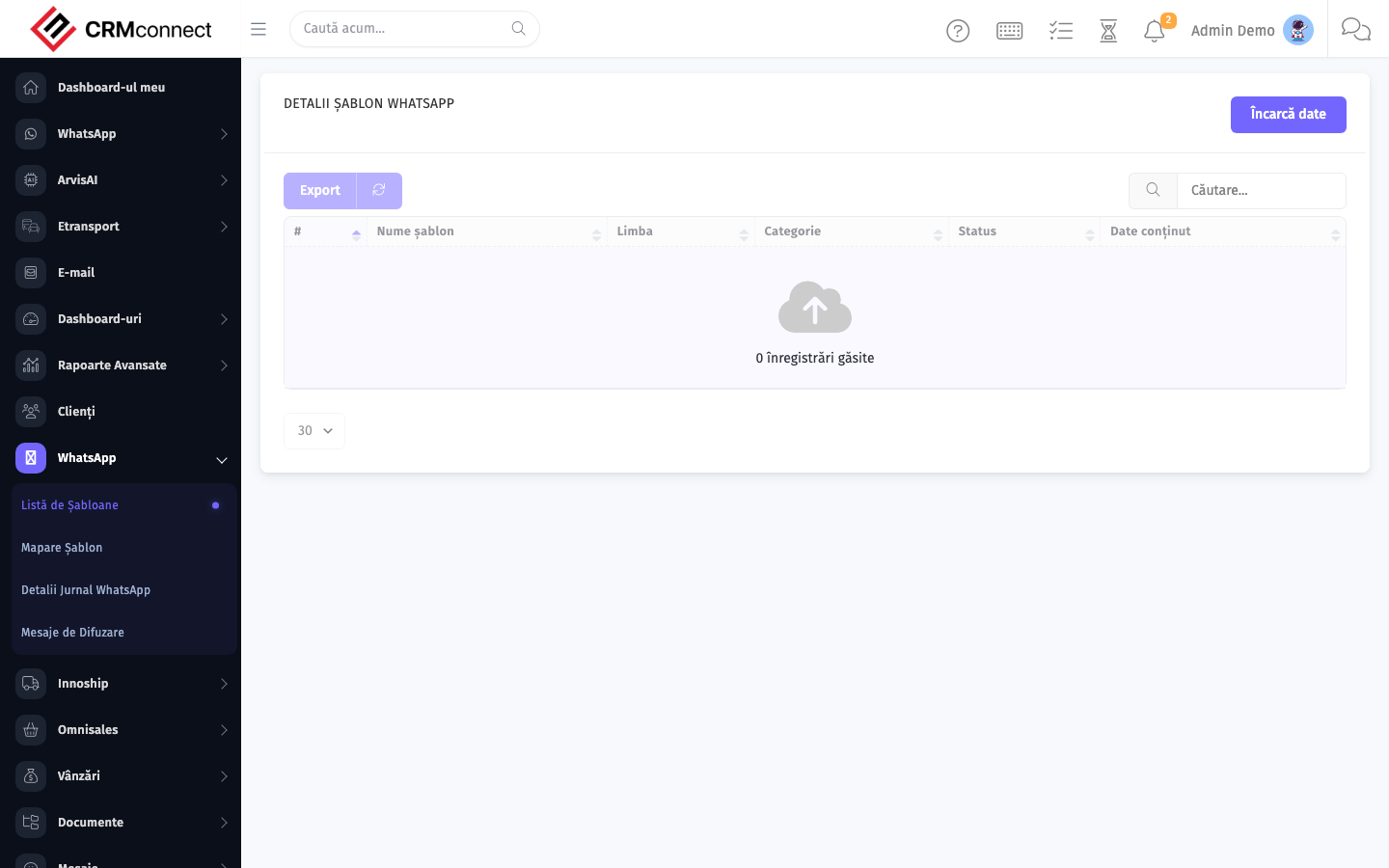
Accessing this module
From the admin sidebar, navigate to WhatsApp API, or open the URL directly:
/admin/whatsapp_api
List view
The list view shows existing whatsapp api records. Use it to search, filter, sort, and bulk-act on items.
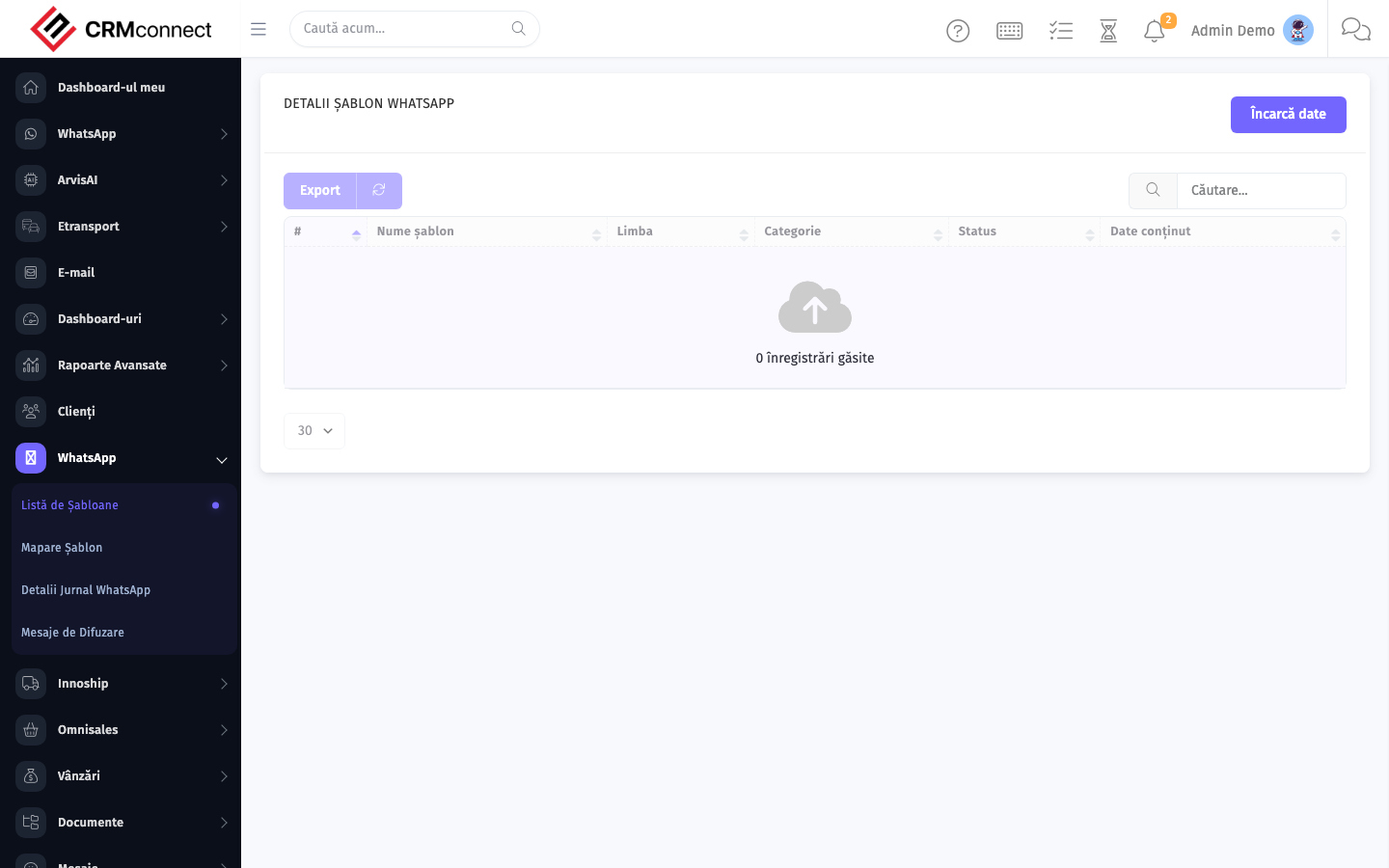
Common actions
- View existing records — open WhatsApp API from the sidebar to see the list view.
- Search and filter — use the search box and column filters to find records.
- Create a new record — click the Add / New button (or follow the "Create" URL above) and fill in the required fields.
- Edit a record — click a row to open the detail view, then use the edit action.
- Delete a record — use the row's delete action; deletion may be soft or hard depending on the module.
- Bulk operations — select multiple rows via the checkboxes and apply a bulk action from the toolbar (export, delete, status change, etc., where supported).
Get WhatsApp message templates approved by Meta before you need them — template approval can take 24-48 hours, and without an approved template you cannot initiate conversations with leads or clients outside the 24-hour session window.
WhatsApp Business API credentials (Access Token, Phone Number ID, Business Account ID) must be kept strictly confidential. A leaked token allows anyone to send messages from your business number. Rotate credentials immediately if exposure is suspected.
Captured: 2026-05-10T09:51:26.776Z · Source: demo.crmconnect.io/admin/whatsapp_api