Email Builder
Section: Marketing & Communication
URL:/admin/crmcon_email_builder
Page title: (2) Constructor e-mail
Overview
Drag-and-drop email template builder.
Business value
Drag-and-drop email template builder — lets non-technical users create branded emails without HTML / dev tickets.
- Who uses it: Marketing, sales operations, customer success
- Key benefit: Branded, professional emails without developer time.
Typical use cases:
- Sales sequences
- Customer-success monthly health-check email
At a glance
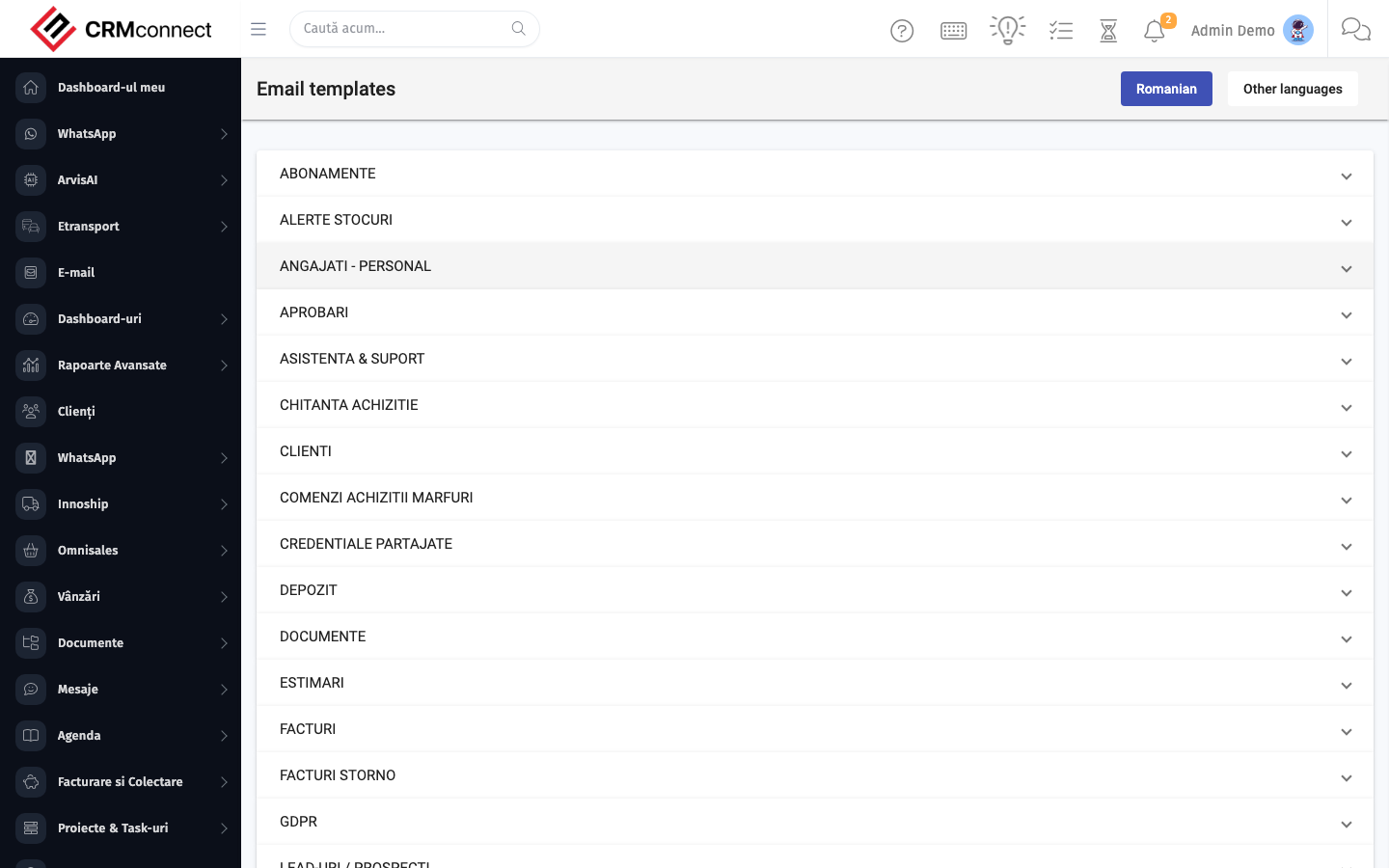
Accessing this module
From the admin sidebar, navigate to Email Builder, or open the URL directly:
/admin/crmcon_email_builder
List view
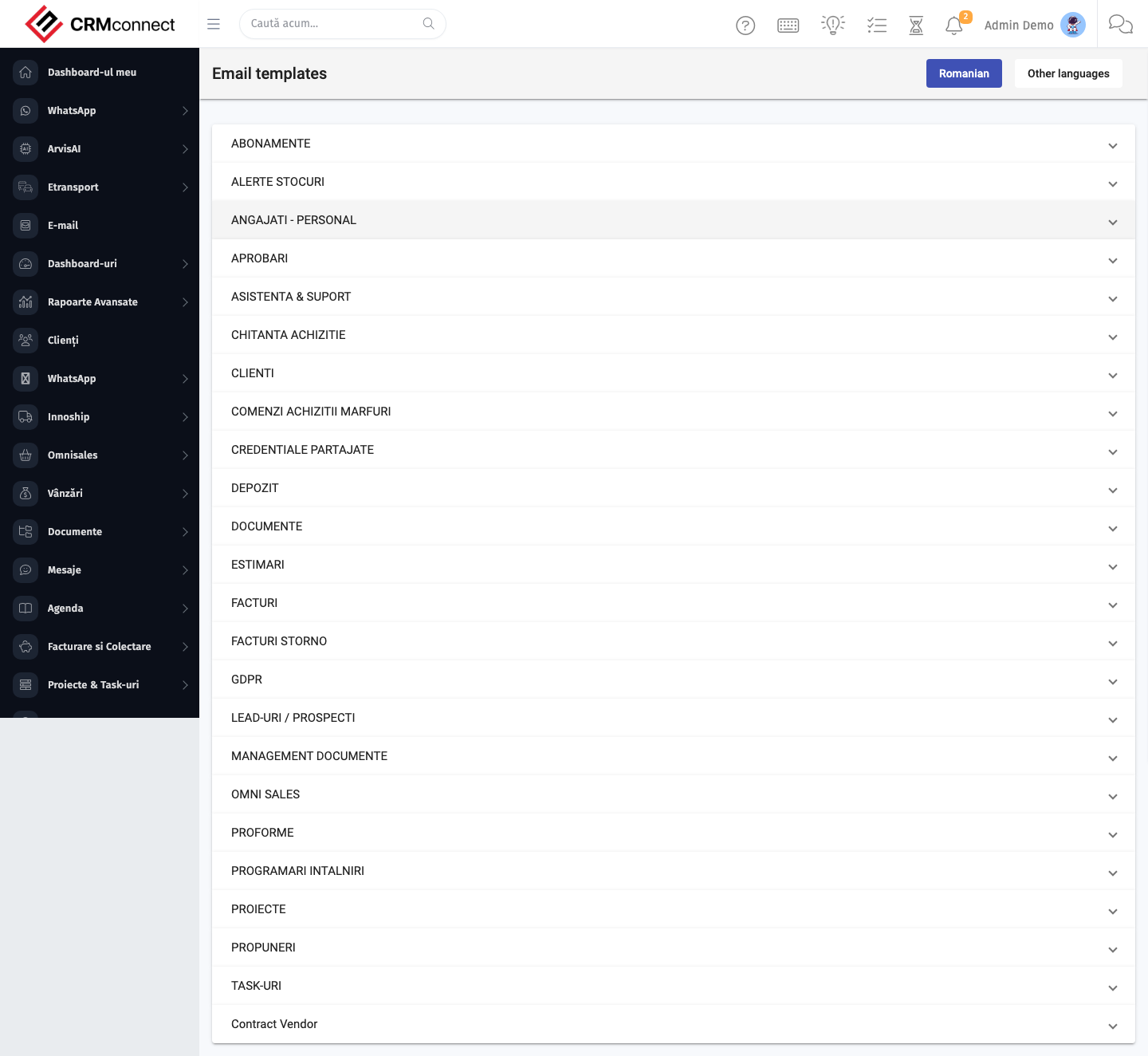
The list view shows existing email builder records. Use it to search, filter, sort, and bulk-act on items.
Common actions
- View existing records — open Email Builder from the sidebar to see the list view.
- Search and filter — use the search box and column filters to find records.
- Create a new record — click the Add / New button (or follow the "Create" URL above) and fill in the required fields.
- Edit a record — click a row to open the detail view, then use the edit action.
- Delete a record — use the row's delete action; deletion may be soft or hard depending on the module.
- Bulk operations — select multiple rows via the checkboxes and apply a bulk action from the toolbar (export, delete, status change, etc., where supported).
Build reusable templates for your most common sends (proposals, payment reminders, onboarding) and share them with the team — everyone uses the same branded layout without starting from scratch, and updates to the template apply to all future sends.
Email builder templates are available across Custom Notifications and Marketing Automation — a template designed once feeds multiple outreach channels without duplication or maintaining separate copies.
Captured: 2026-05-10T09:51:26.776Z · Source: demo.crmconnect.io/admin/crmcon_email_builder