Warehouses
Section: Warehouse Management (WMS)
URL:/admin/warehouse/warehouse_mange
Page title: (2) Depozite
Overview
Warehouses are physical or virtual stock locations. Each commodity stock balance is tracked per warehouse.
Business value
Lets you track stock across multiple physical or virtual locations (warehouses, branches, consignment, in-transit) so you always know where every item is — not just how many you have.
- Who uses it: Operations, warehouse managers, sales (for availability lookup), procurement
- Key benefit: Avoids over-ordering and stockouts by giving sales accurate, location-aware availability.
Typical use cases:
- Sales sees "3 in Bucharest, 0 in Cluj" before promising delivery
- Inter-warehouse transfers balance stock across regions
- Run reports per location for performance and shrinkage analysis
At a glance
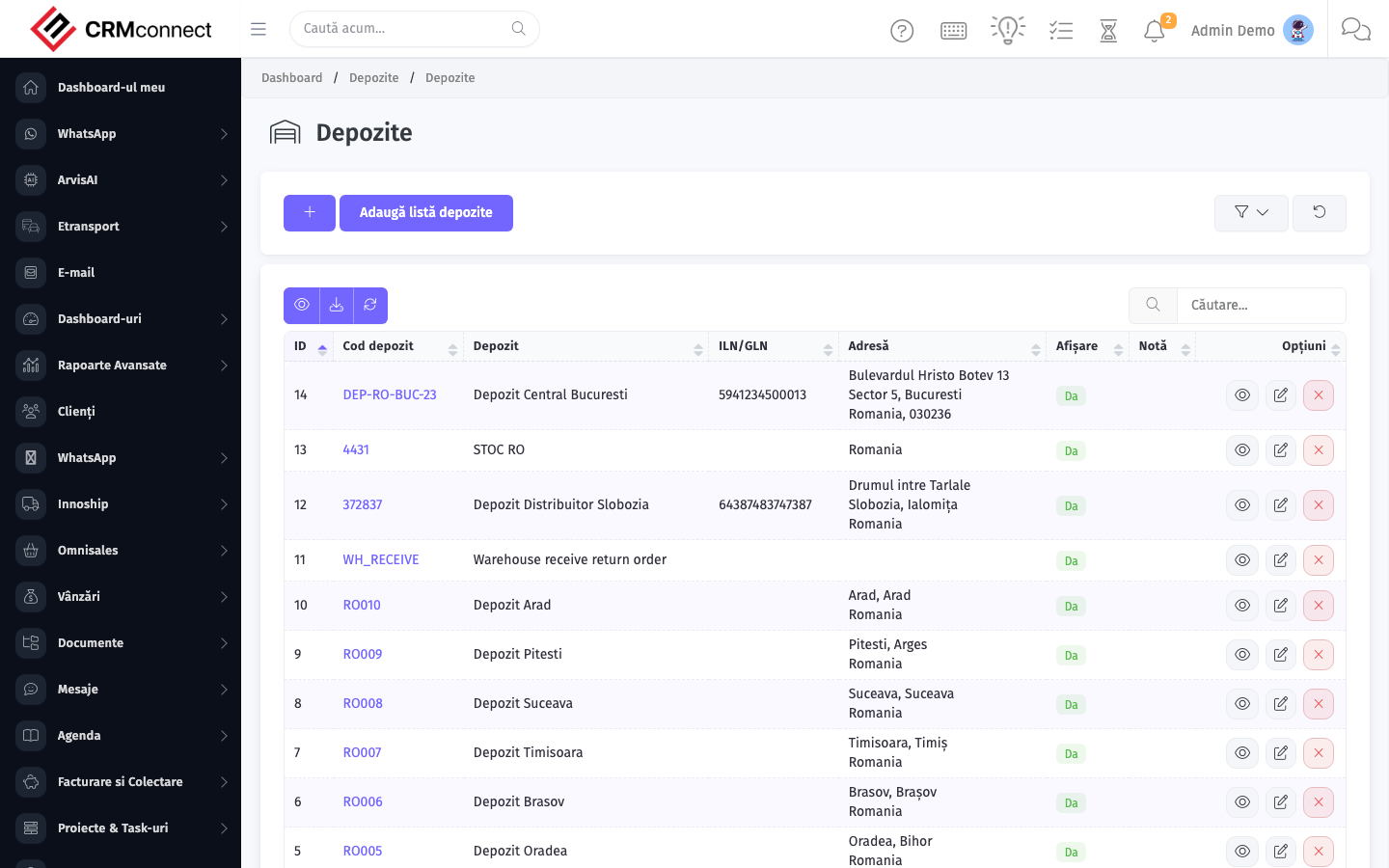
Accessing this module
From the admin sidebar, navigate to Warehouses, or open the URL directly:
/admin/warehouse/warehouse_mange
List view
The list view shows existing warehouses records. Use it to search, filter, sort, and bulk-act on items.
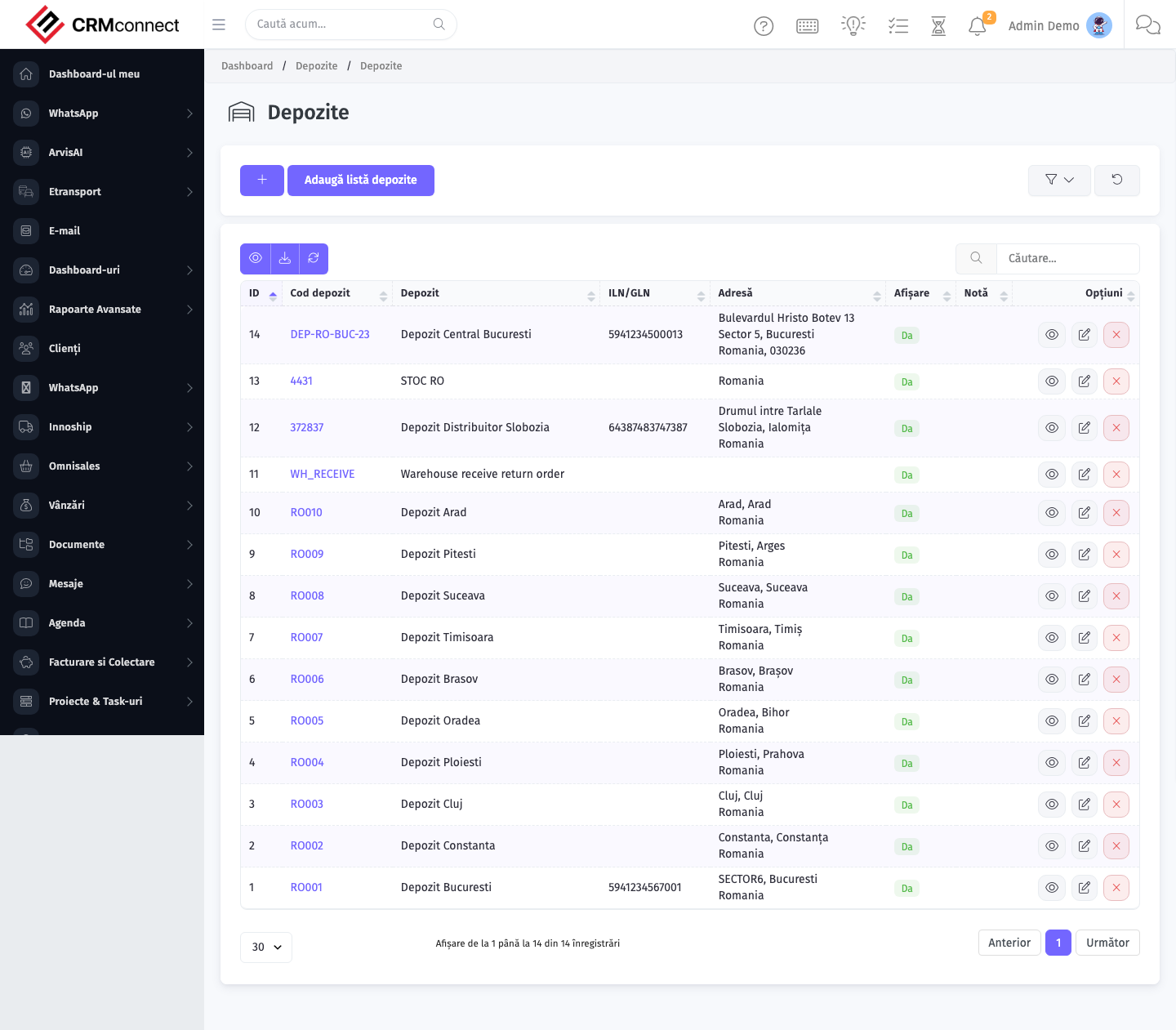
Common actions
- View existing records — open Warehouses from the sidebar to see the list view.
- Search and filter — use the search box and column filters to find records.
- Create a new record — click the Add / New button (or follow the "Create" URL above) and fill in the required fields.
- Edit a record — click a row to open the detail view, then use the edit action.
- Delete a record — use the row's delete action; deletion may be soft or hard depending on the module.
- Bulk operations — select multiple rows via the checkboxes and apply a bulk action from the toolbar (export, delete, status change, etc., where supported).
API
This module is available via the REST API.
Authentication. All API requests require the header authtoken: <token> (generate one at /admin/api/api_management).
Base URL. https://your-domain.tld/api/
Key endpoints:
| Method | Path | Purpose |
|---|---|---|
POST |
{{base_url}}warehouses |
Add new Warehouse |
GET |
{{base_url}}warehouses/:id |
Show One |
GET |
{{base_url}}warehouses?nr_page&per_page |
List all Warehouses |
PUT |
{{base_url}}warehouses/43 |
Update Warehouse |
DELETE |
{{base_url}}delete/warehouses/3 |
Delete Warehouse |
See the full payload schemas, query parameters, and example responses in the API reference (`Warehouse`).
Captured: 2026-05-10T09:51:26.776Z · Source: demo.crmconnect.io/admin/warehouse/warehouse_mange