Dashboard
Section: Customer Relationship Management
URL:/admin
Page title: (2) Bord/Tablou de bord
Overview
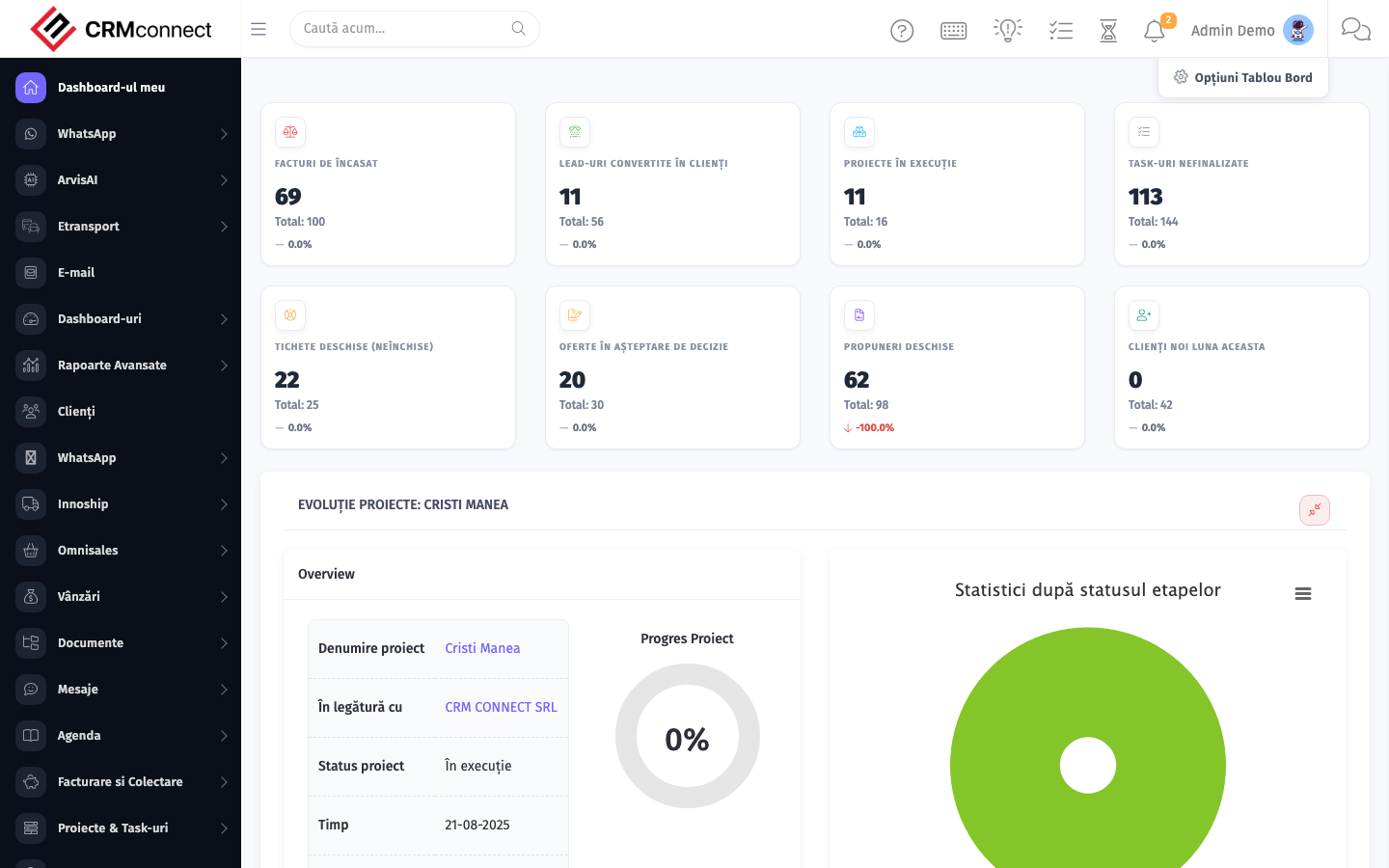
The Dashboard is the home page of the admin. It surfaces KPIs, recent activity, calendar widgets, and quick links across every module the user has access to.
Business value
A real-time, role-aware control room of the entire business — pipeline, revenue, overdue receivables, open tickets, tasks due today, and team workload — so leaders spot problems and opportunities before they hit the P&L.
- Who uses it: CEO, sales managers, operations leads, customer success, every staff user (filtered to their scope)
- Key benefit: Cuts the time-to-decision: instead of pulling 6 reports from 6 systems, you get the answer in one screen.
- Metrics it influences: Time-to-insight, revenue visibility, exception response time
Typical use cases:
- Sales manager checks weekly bookings vs target before the Monday standup
- Operations spots a spike in open tickets and reallocates an agent
- Finance sees overdue invoices climb and triggers a dunning campaign
- CEO reviews YTD revenue and team productivity in under 30 seconds
At a glance
Accessing this module
From the admin sidebar, navigate to Dashboard, or open the URL directly:
/admin
List view
The list view shows existing dashboard records. Use it to search, filter, sort, and bulk-act on items.

Create / edit form
Open the create form to add a new dashboard record. Editing an existing record uses the same form pre-populated with current values.

Common actions
- View existing records — open Dashboard from the sidebar to see the list view.
- Search and filter — use the search box and column filters to find records.
- Create a new record — click the Add / New button (or follow the "Create" URL above) and fill in the required fields.
- Edit a record — click a row to open the detail view, then use the edit action.
- Delete a record — use the row's delete action; deletion may be soft or hard depending on the module.
- Bulk operations — select multiple rows via the checkboxes and apply a bulk action from the toolbar (export, delete, status change, etc., where supported).
Captured: 2026-05-10T09:51:26.776Z · Source: demo.crmconnect.io/admin