Ticket Priorities
Section: Operations
URL:/admin/tickets/priorities
Page title: (2) Priorități tichete
Overview
Prioritise inbound tickets so agents act on the most urgent first.
Business value
Classifies tickets so urgent issues get worked first and SLAs are tracked correctly per severity.
- Who uses it: Support agents, support managers
- Key benefit: Protects key customers and meets contractual SLAs.
Typical use cases:
- Critical outage tickets jump the queue
- Different SLAs per priority for B2B contracts
At a glance
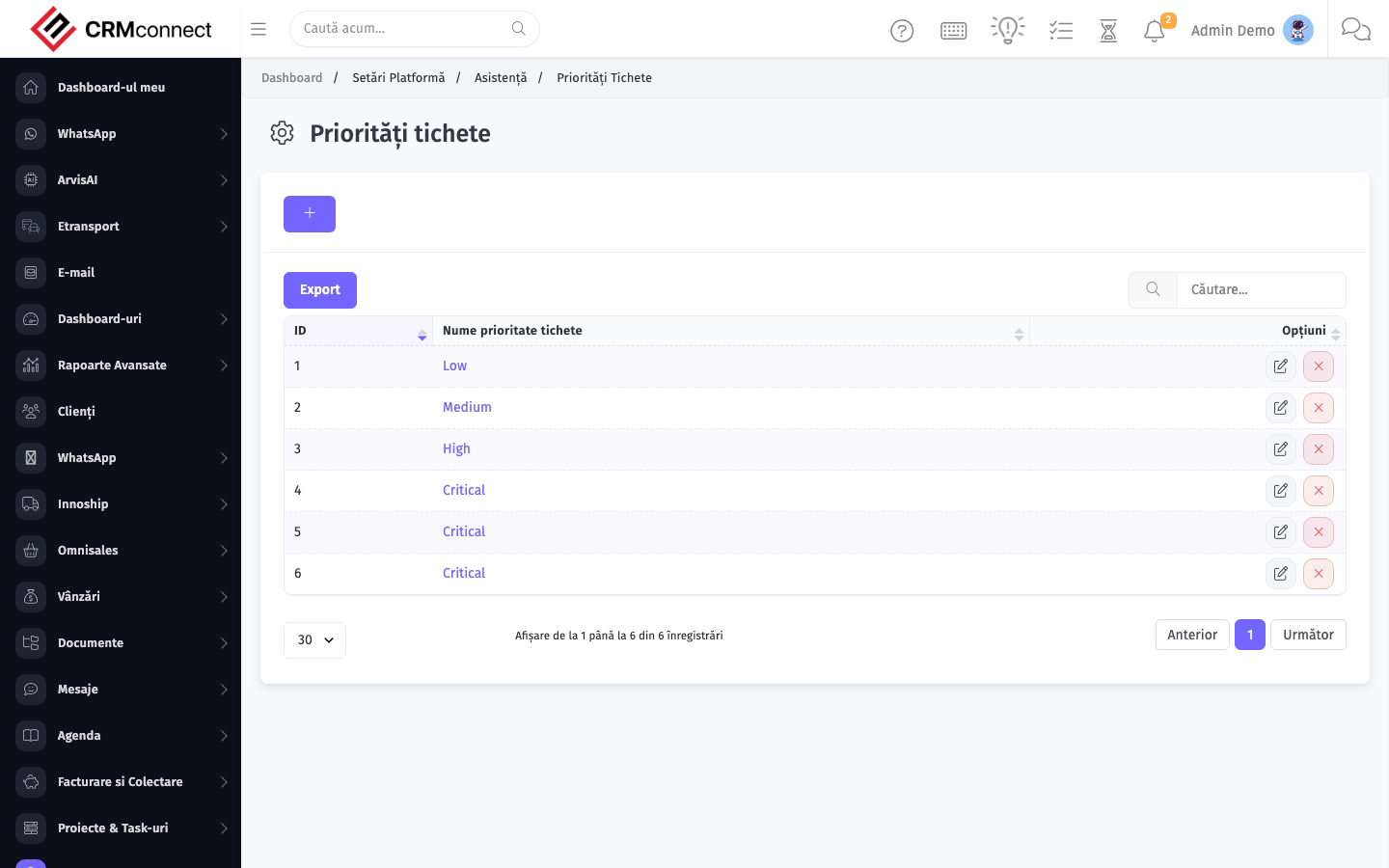
Accessing this module
From the admin sidebar, navigate to Ticket Priorities, or open the URL directly:
/admin/tickets/priorities
List view
The list view shows existing ticket priorities records. Use it to search, filter, sort, and bulk-act on items.
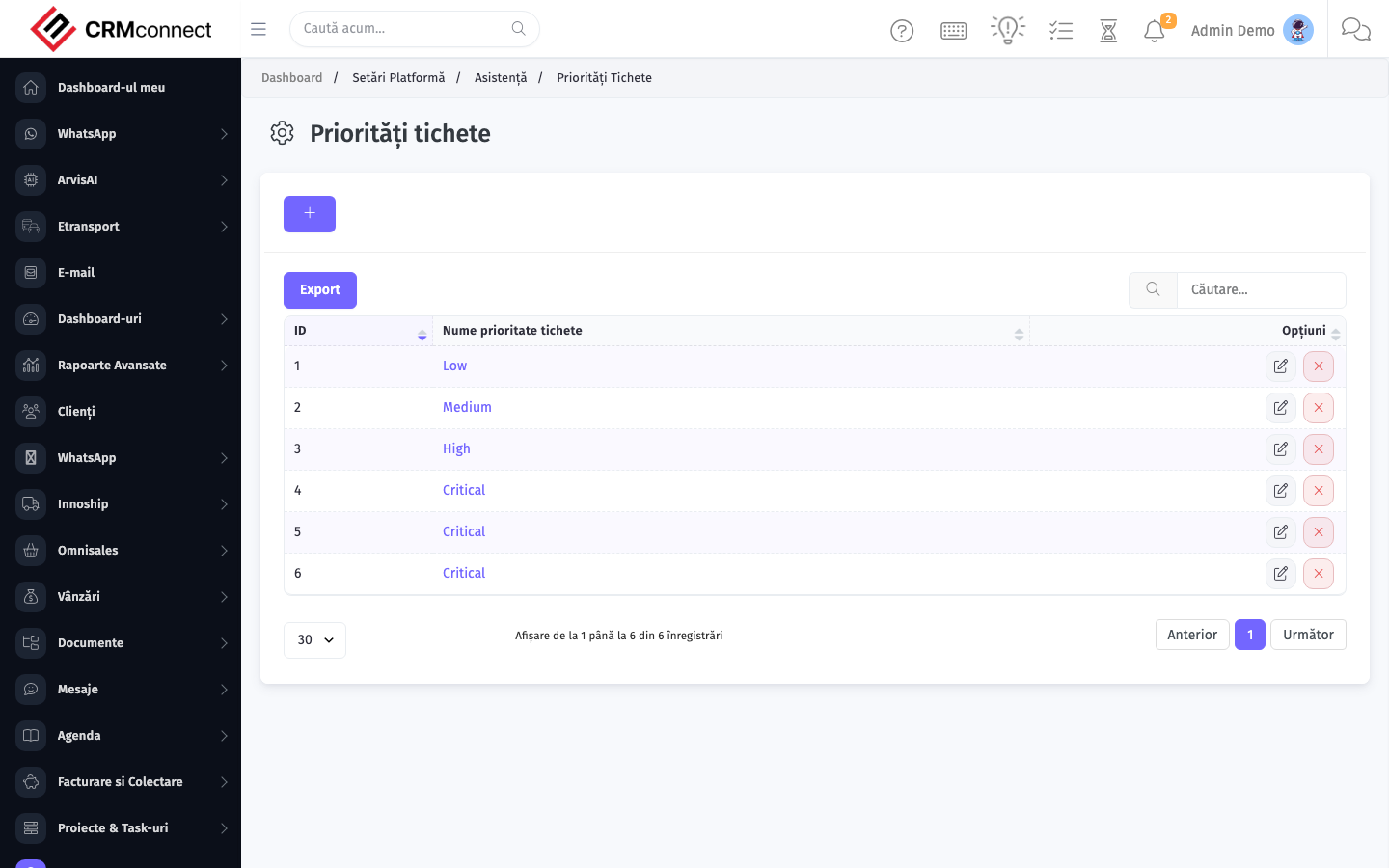
Common actions
- View existing records — open Ticket Priorities from the sidebar to see the list view.
- Search and filter — use the search box and column filters to find records.
- Create a new record — click the Add / New button (or follow the "Create" URL above) and fill in the required fields.
- Edit a record — click a row to open the detail view, then use the edit action.
- Delete a record — use the row's delete action; deletion may be soft or hard depending on the module.
- Bulk operations — select multiple rows via the checkboxes and apply a bulk action from the toolbar (export, delete, status change, etc., where supported).
Captured: 2026-05-10T09:51:26.776Z · Source: demo.crmconnect.io/admin/tickets/priorities